Guide
Set up single sign-on
Let people sign in with their work account through Microsoft or SAML.
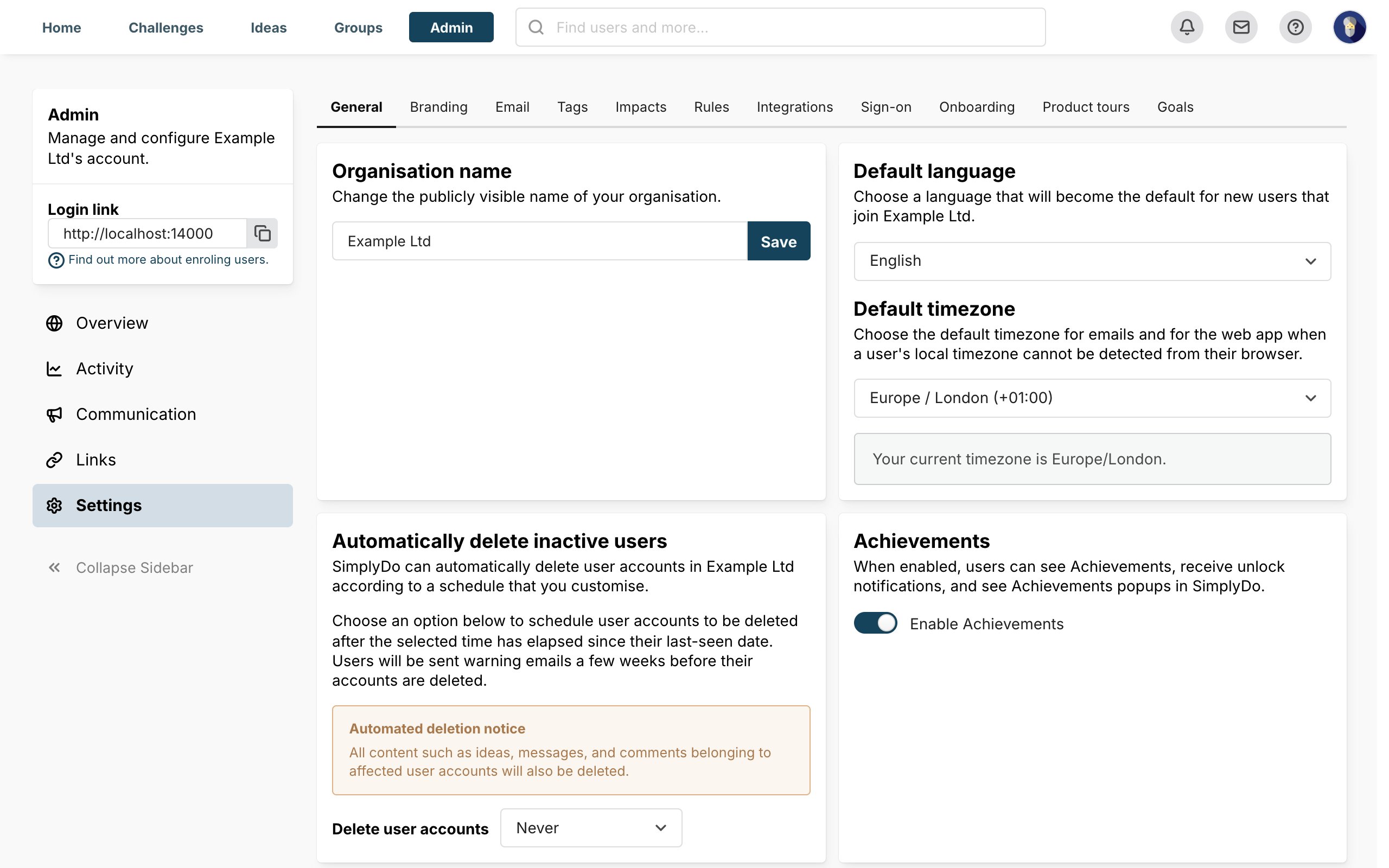
Single sign-on lets people sign in to SimplyDo with the account they already use for work, so they don’t need another password. You stay in control of who gets in from your own directory.
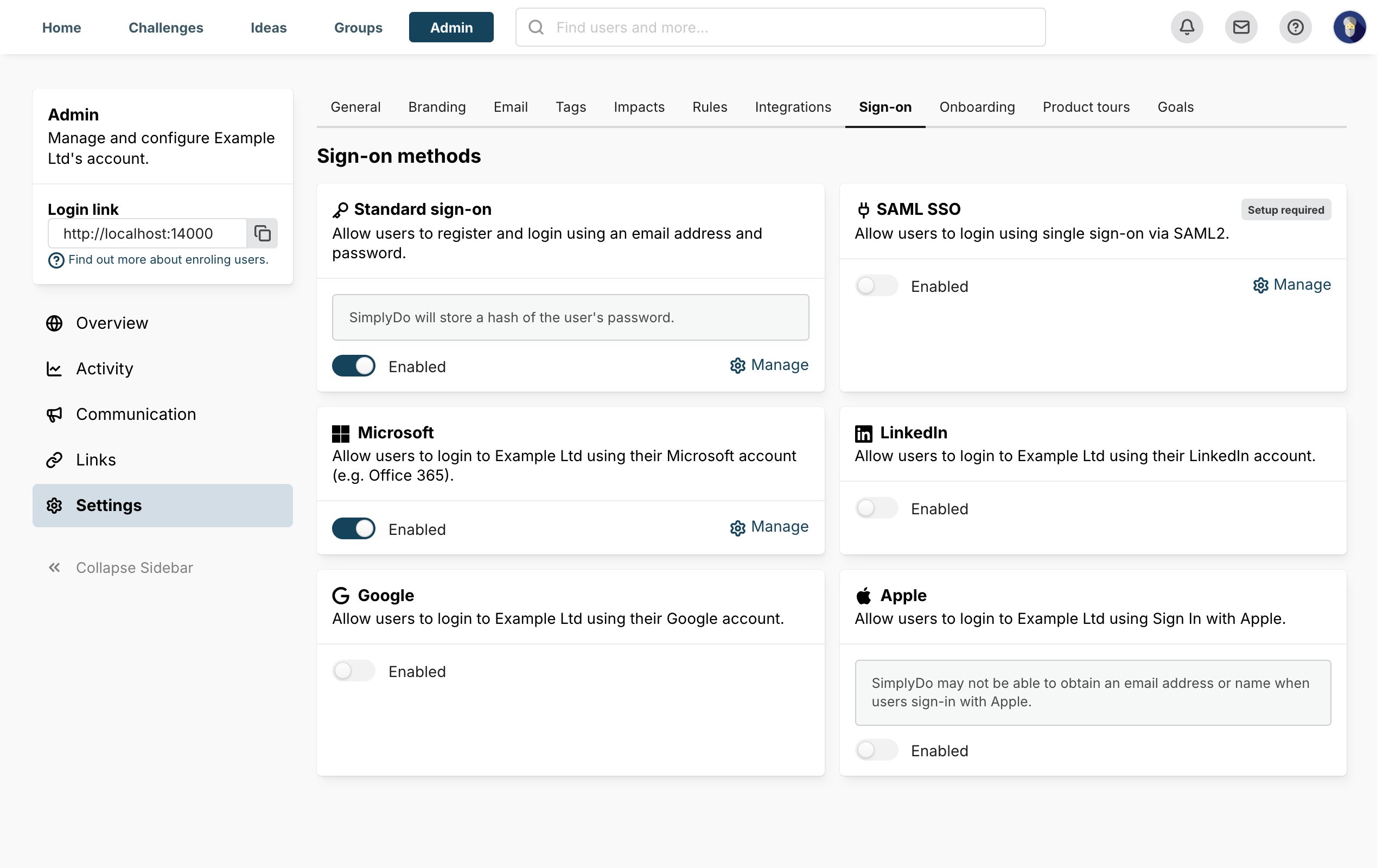
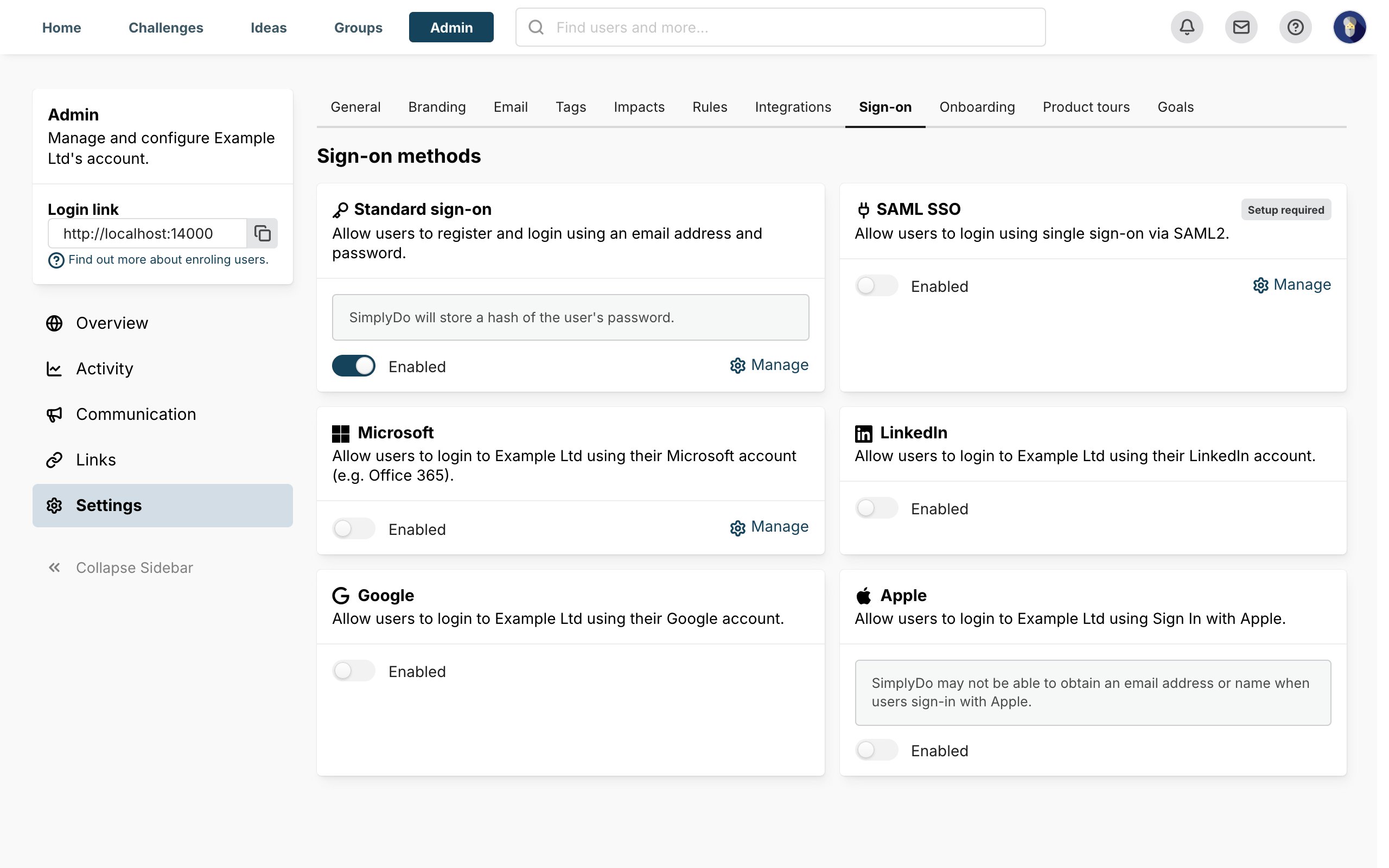
SimplyDo supports two kinds of single sign-on:
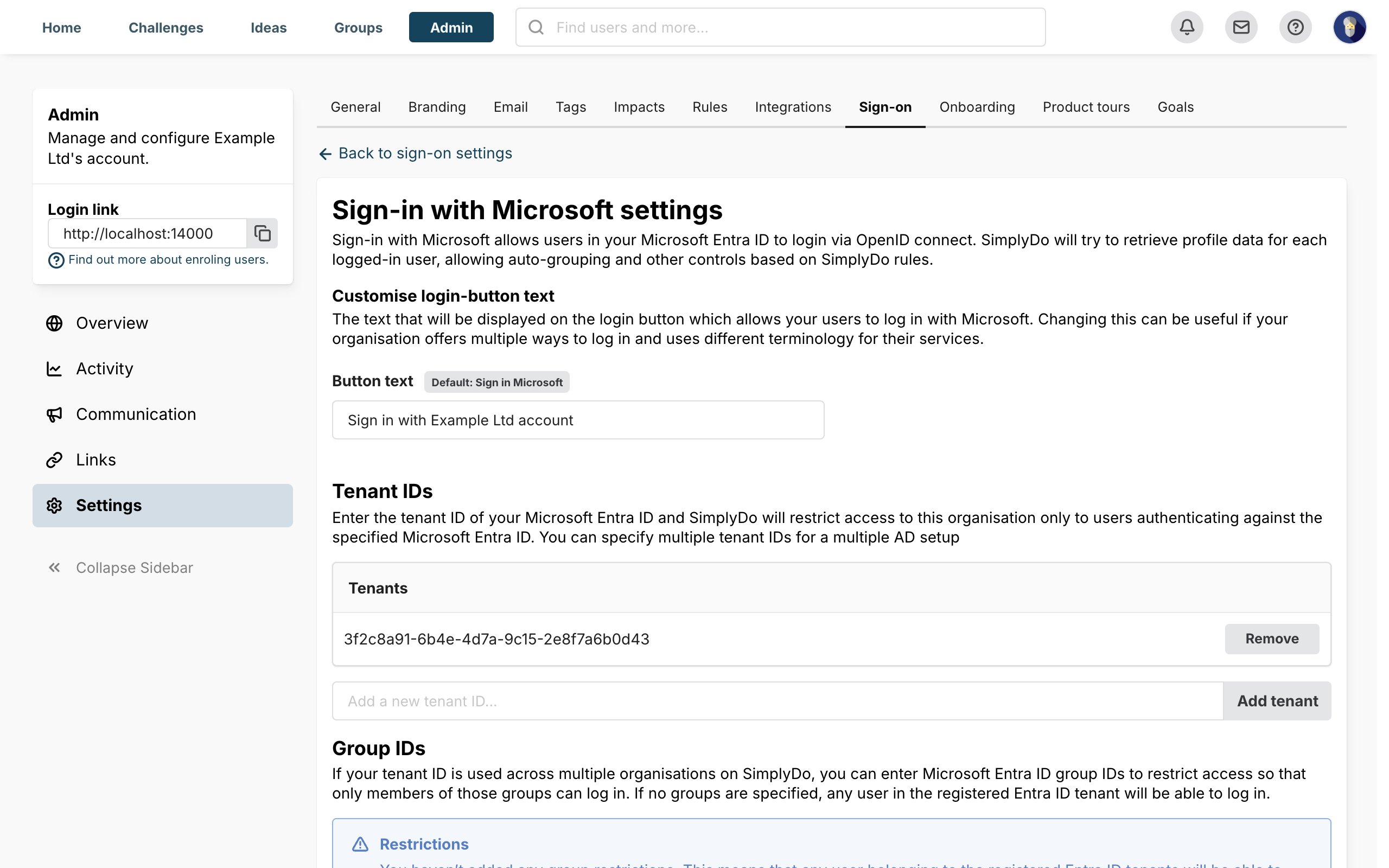
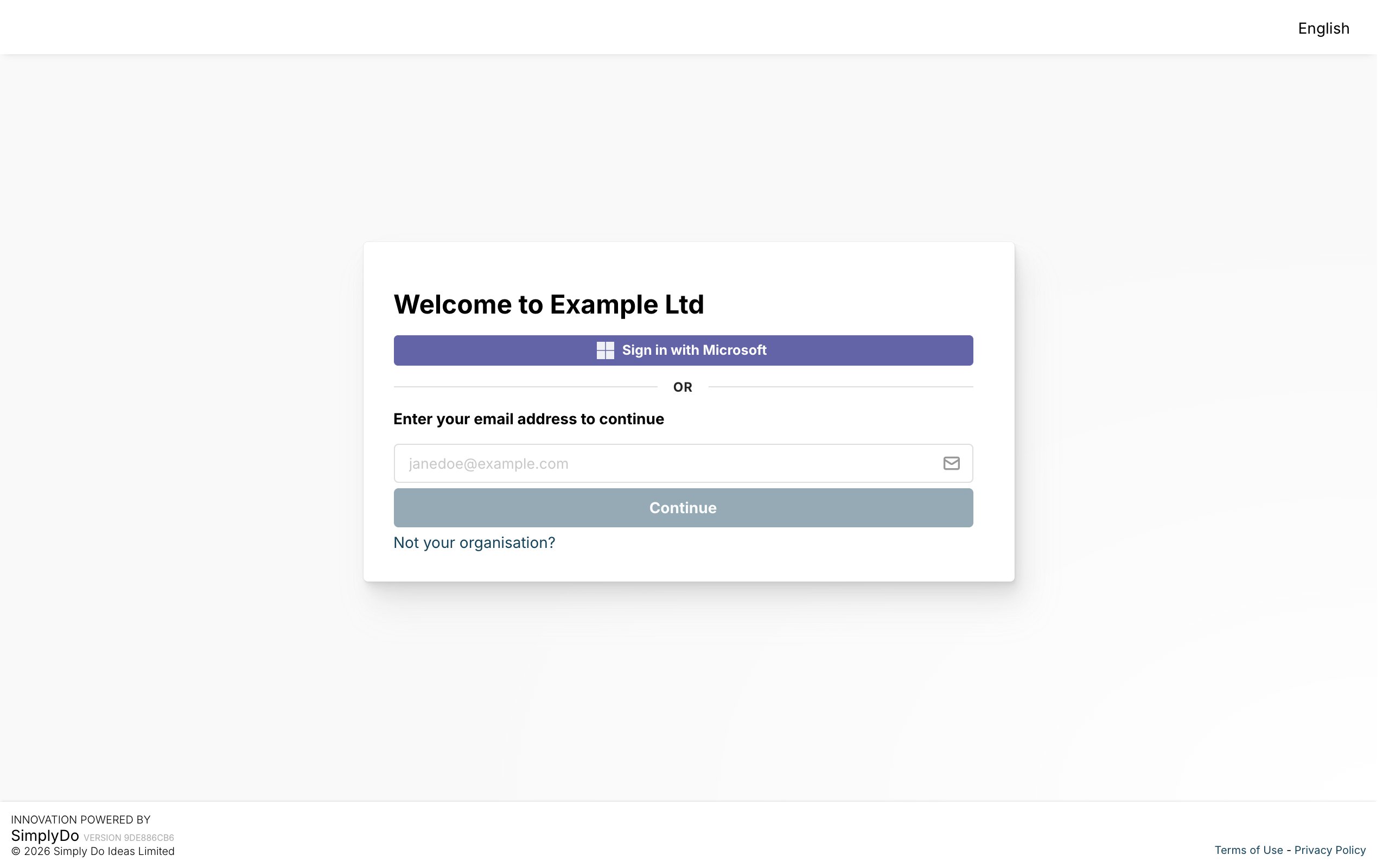
- Sign-in with Microsoft, for organisations that use Microsoft Entra ID (Microsoft 365, Teams). It’s the quickest to set up.
- SAML2, for any other identity provider, such as Okta, OneLogin or Google Workspace.
You only need one of them. To change these settings you need permission to change your organisation’s settings. Your account manager can also set single sign-on up for you.