Guide
Your first sign-in
What SimplyDo may ask you before your dashboard opens.
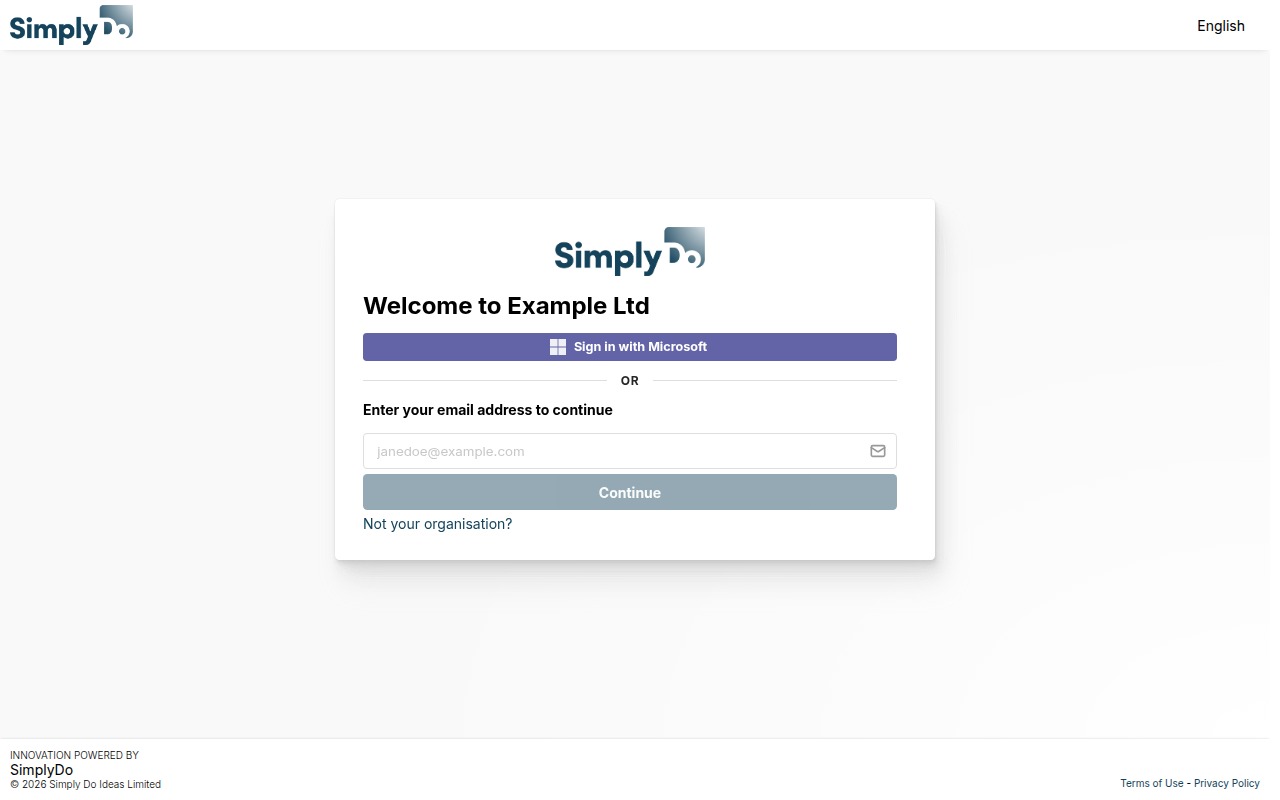
The first time you sign in, SimplyDo may ask you a few things before it opens your dashboard. What you see depends on how your organisation has set SimplyDo up, so you may see all of these, some, or none. They come in this order:
- The terms: you agree to SimplyDo’s terms, and your organisation’s if it has its own. You see them again whenever they change.
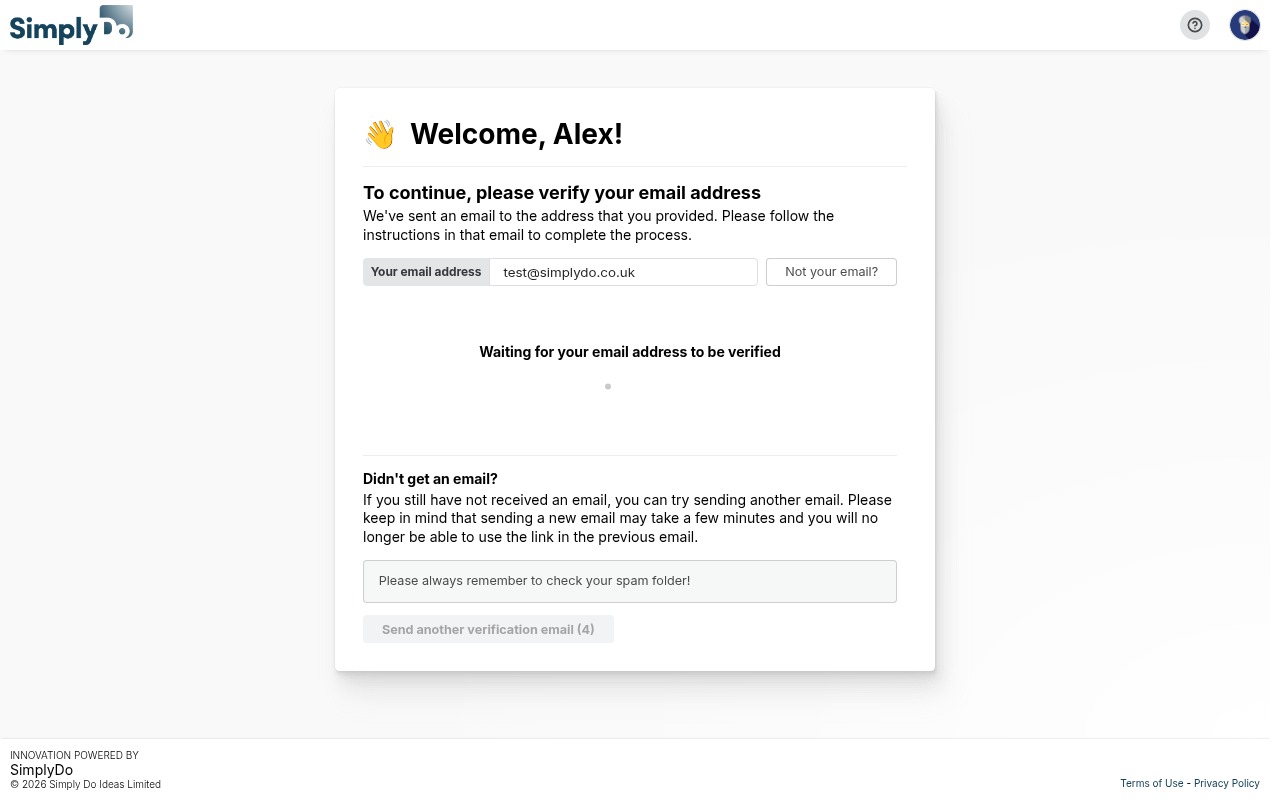
- Your email address: if your organisation asks you to, you confirm your address from an email.
- Two-step verification: if your organisation requires it, you set up a second way to prove it’s you.
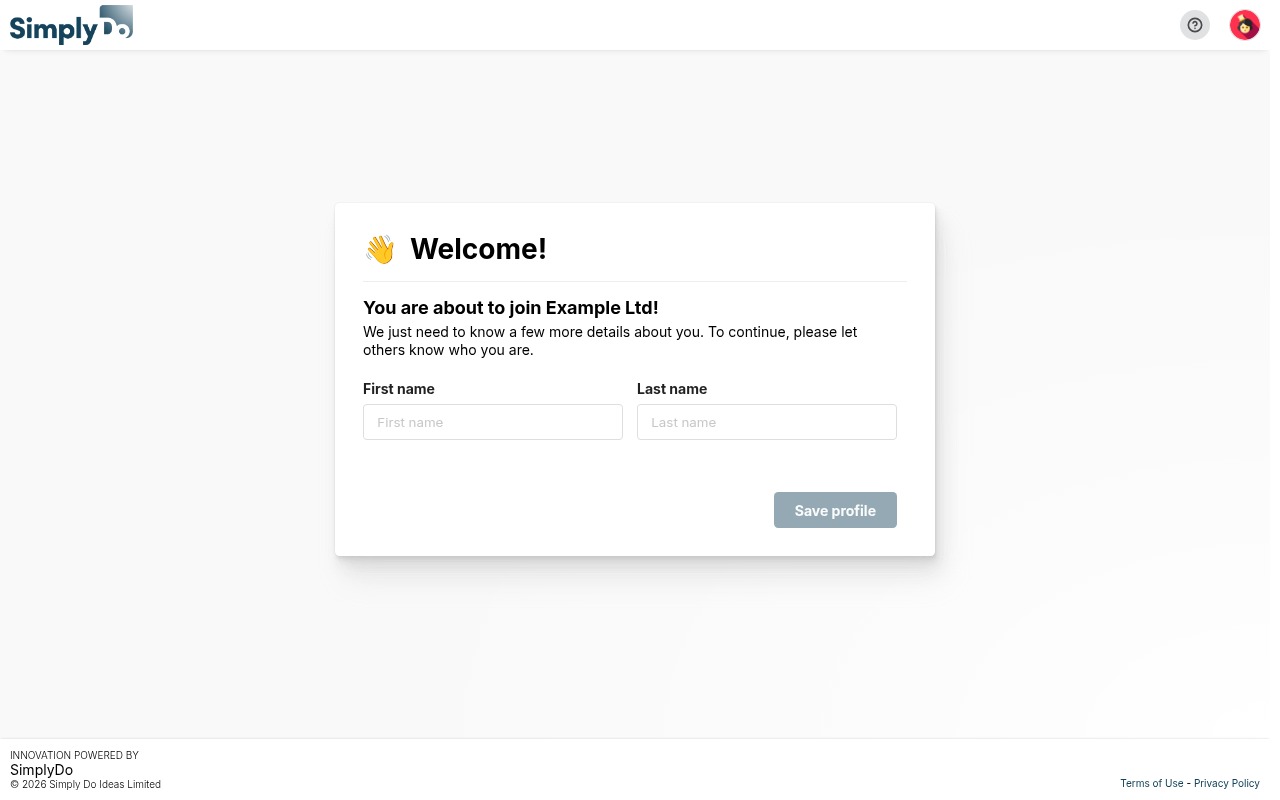
- Your name: if SimplyDo doesn’t know it yet.
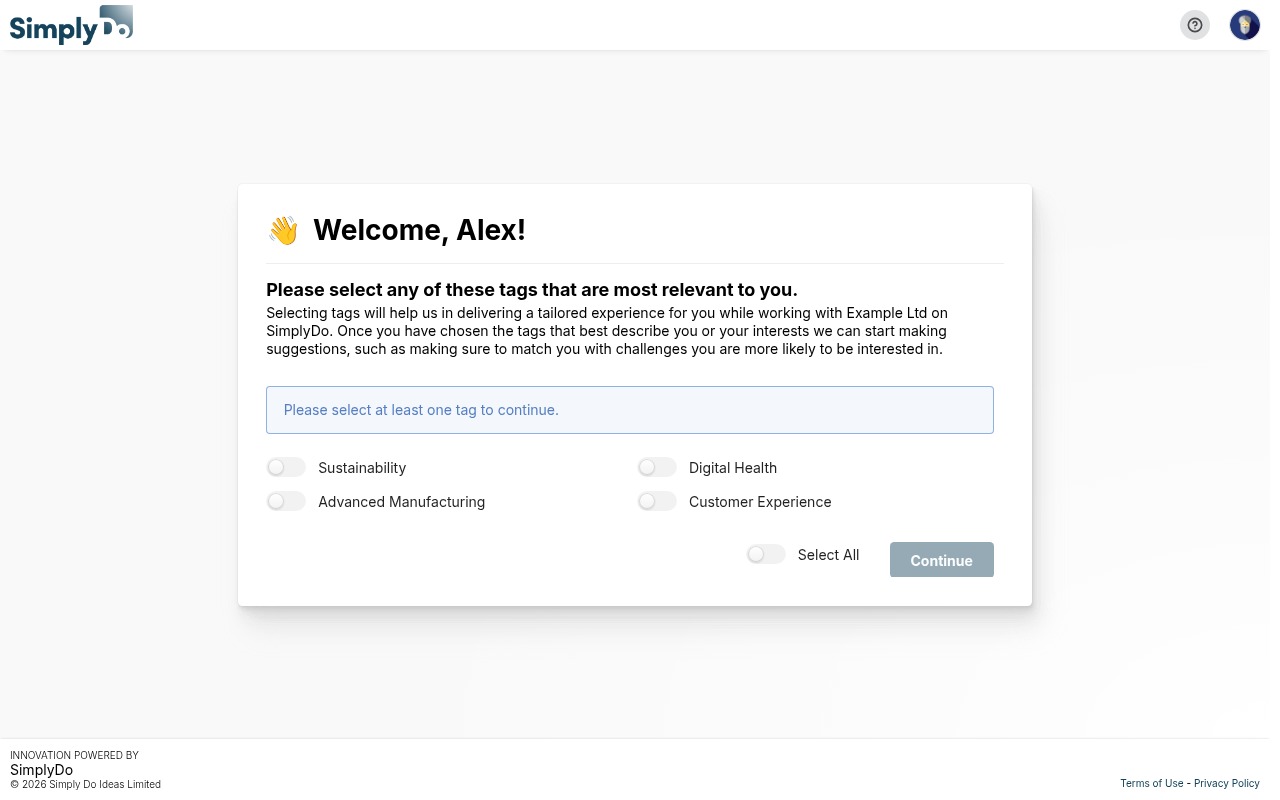
- Your interests: if your organisation asks you to, you pick the tags that interest you.
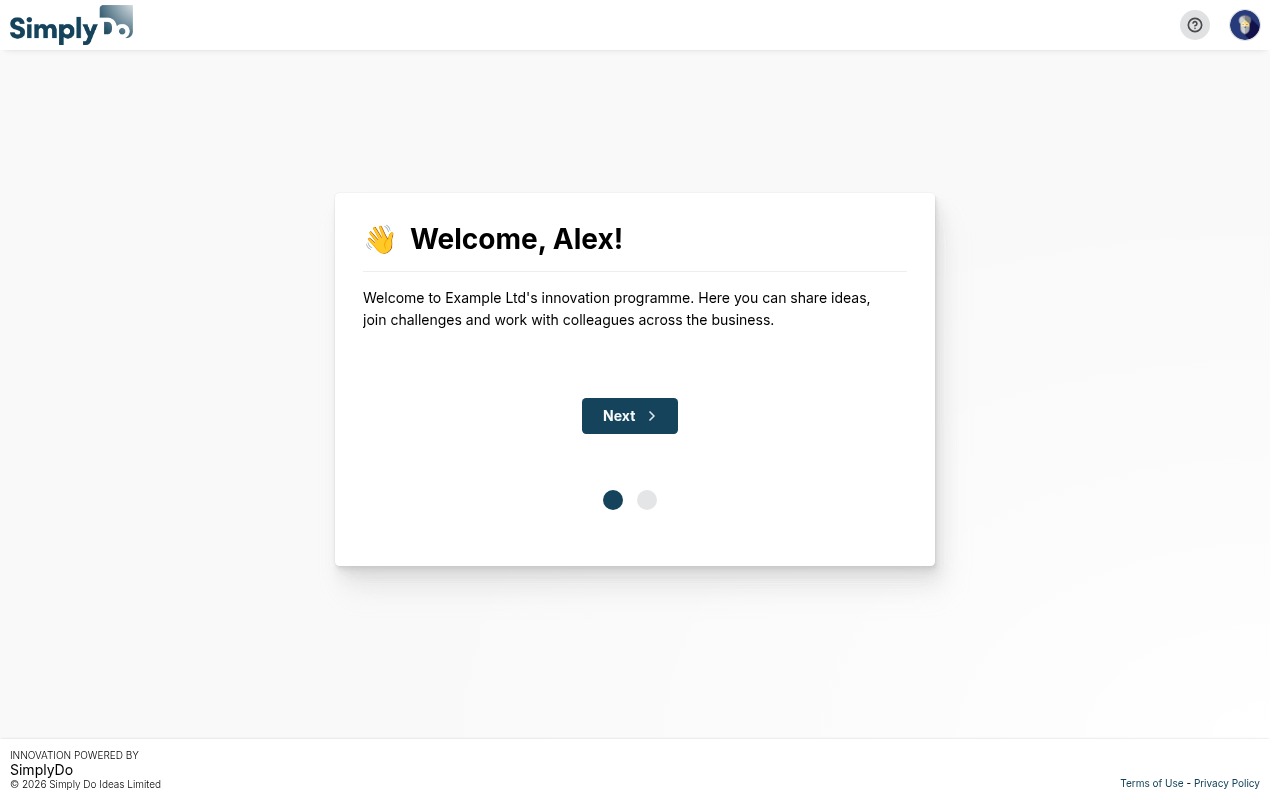
- Your organisation’s welcome screens: if it has any.
Some groups also ask you to set up a business profile before you can continue.
Each one only appears until you’ve done it. If you sign out halfway, SimplyDo picks up where you left off next time.