Guide
Join your organisation
Find your organisation, create your account and sign in.
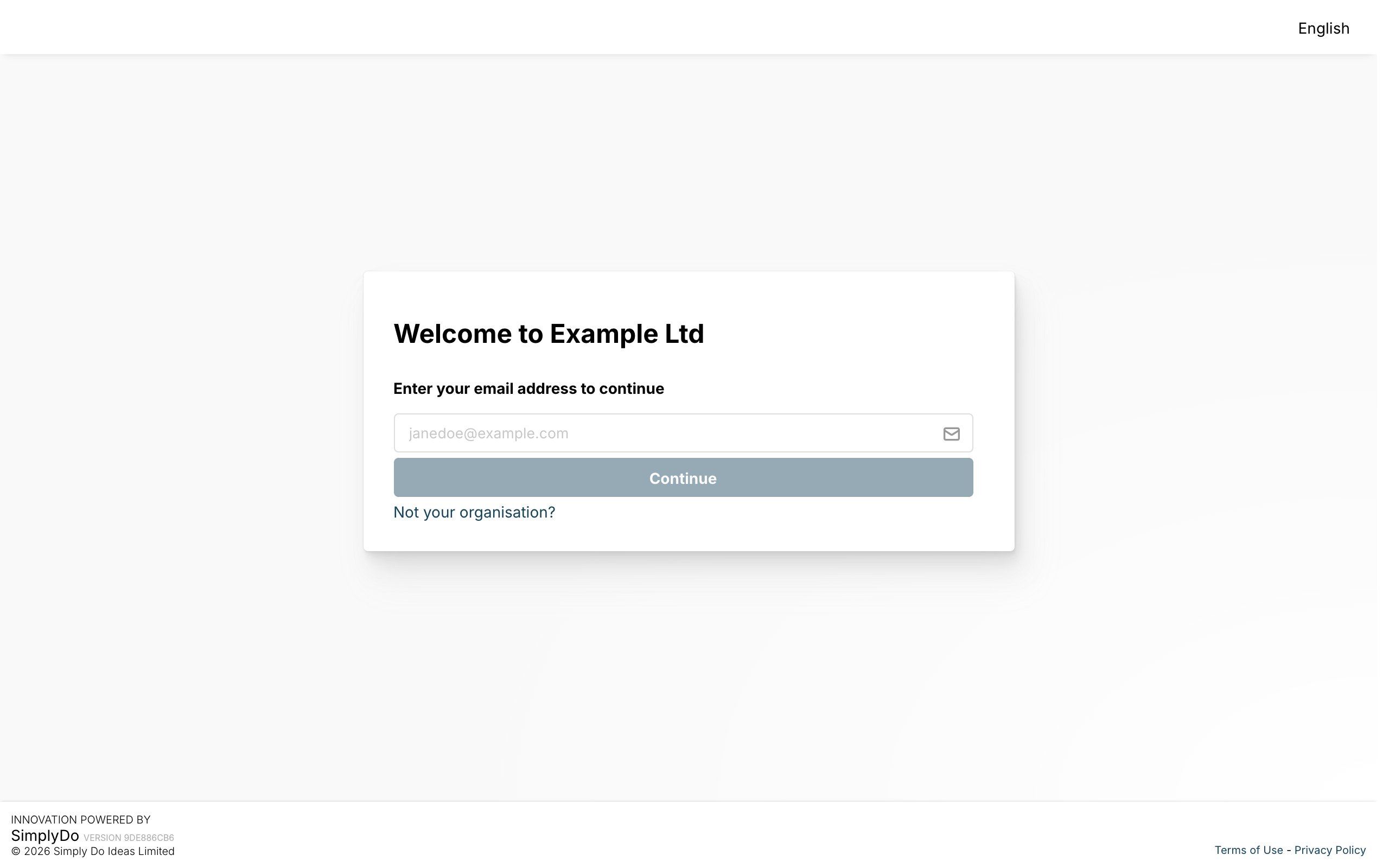
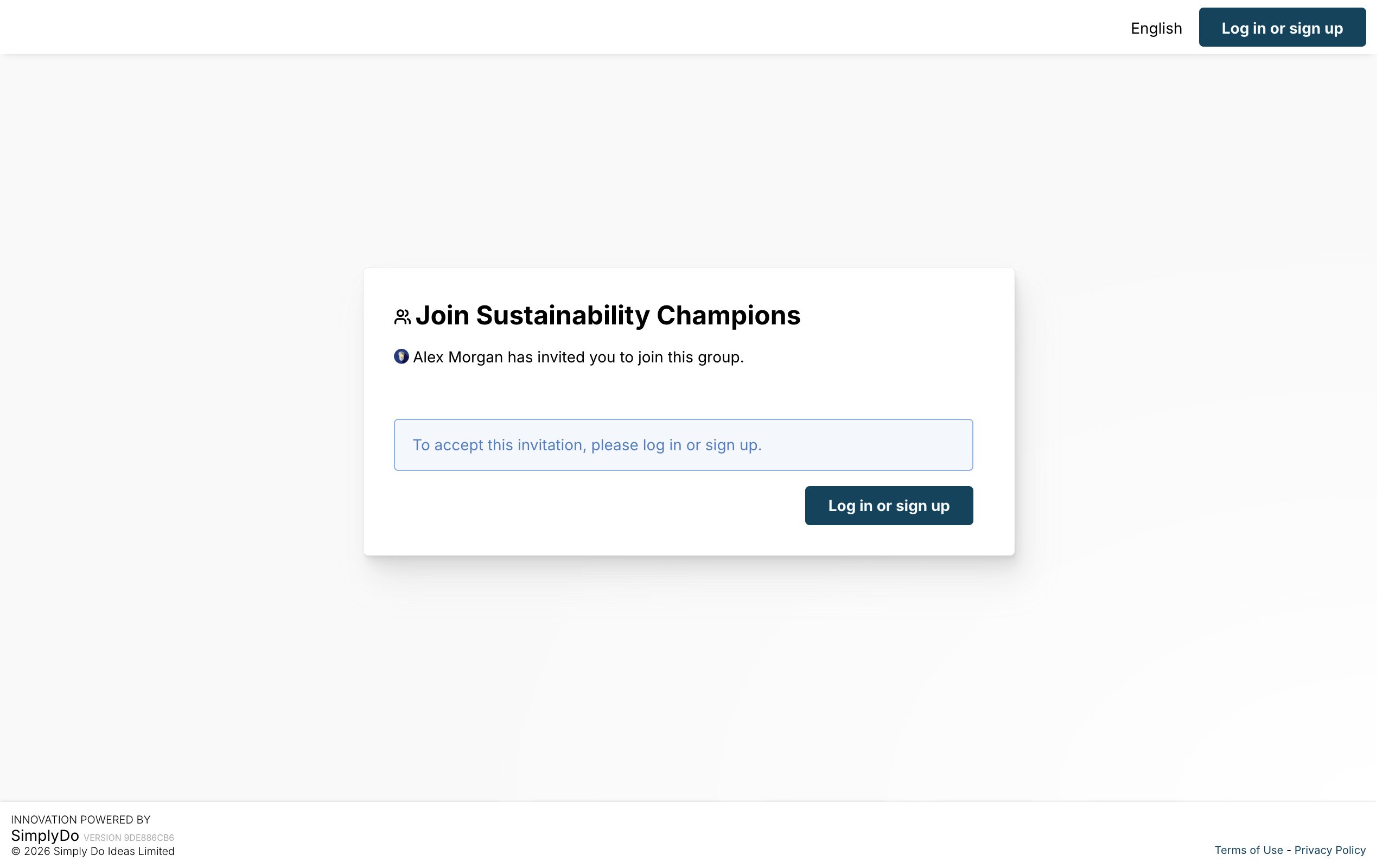
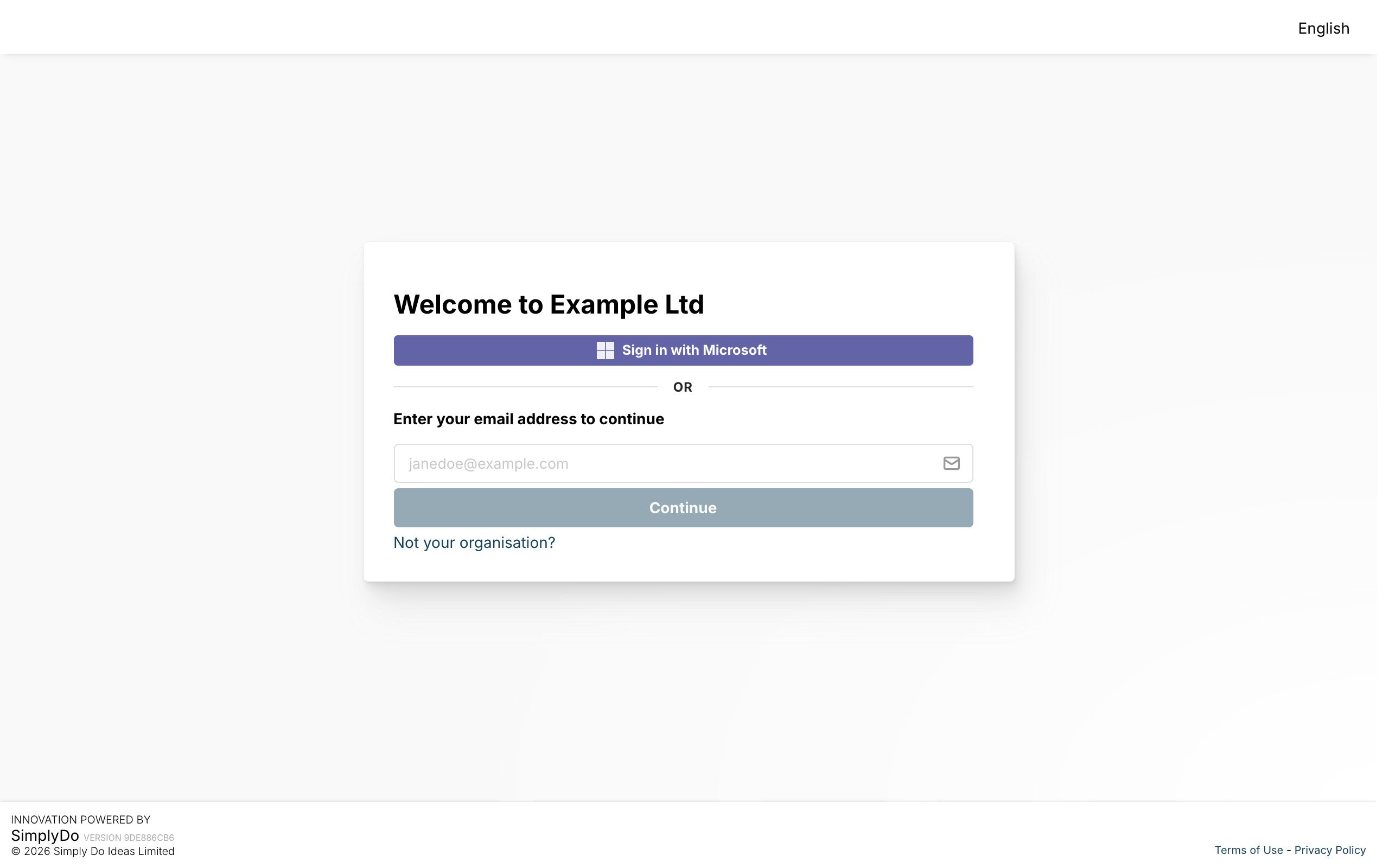
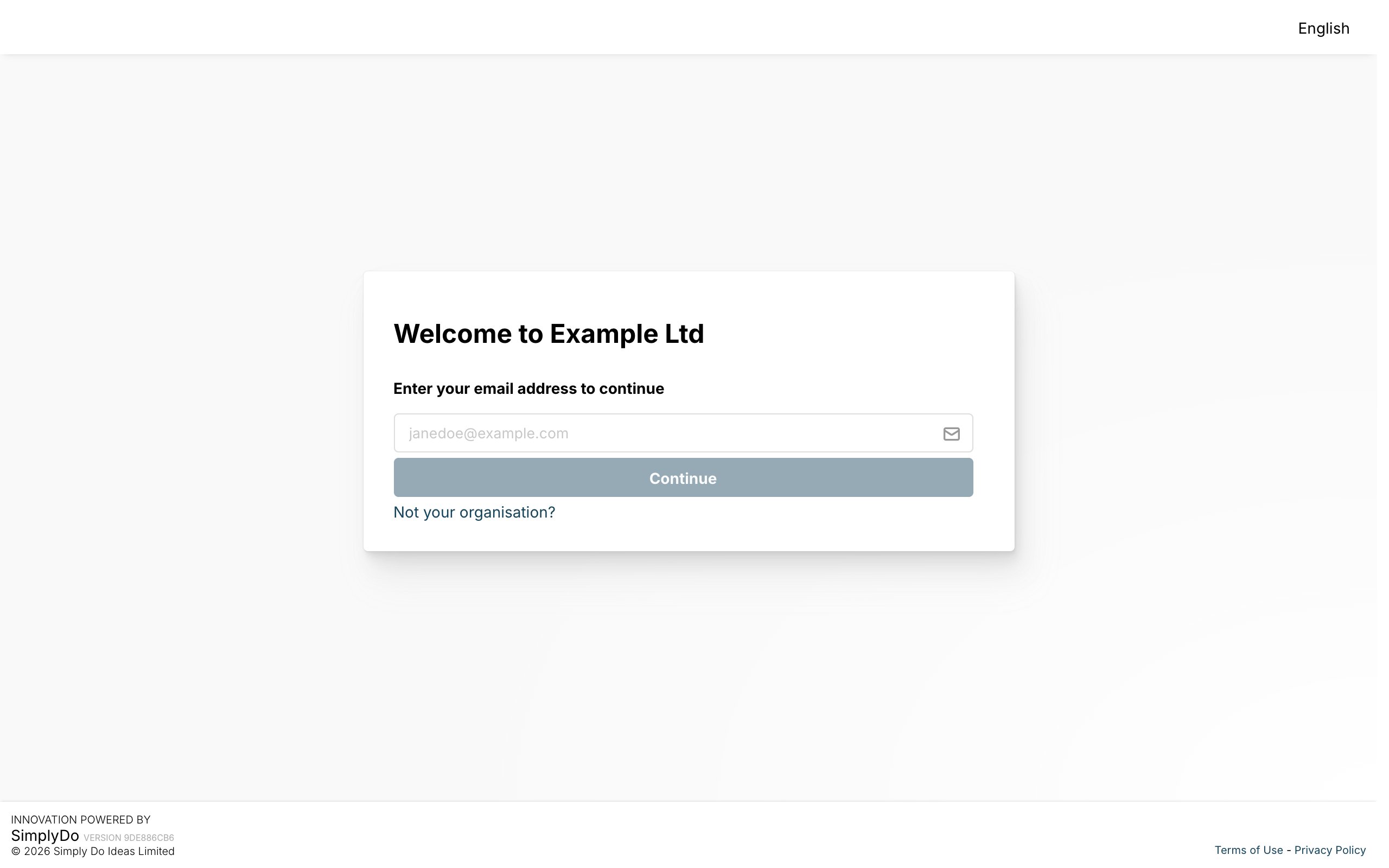
SimplyDo is set up separately for each organisation. To take part, you join your organisation’s SimplyDo, either through its sign-in page or from an invitation someone sent you.
This guide explains what your organisation code is and how to find your organisation’s sign-in page. It then shows how to create your account, on your own or from an invitation, how to sign in with your password or single sign-on, and how to reset a forgotten password.
Once you’re in, Your first sign-in explains what SimplyDo may ask you before you start.