

How can we help?
Step-by-step guides recorded in SimplyDo itself, so what you see is exactly what you'll click.
Getting started
Join your organisation and share your first idea.
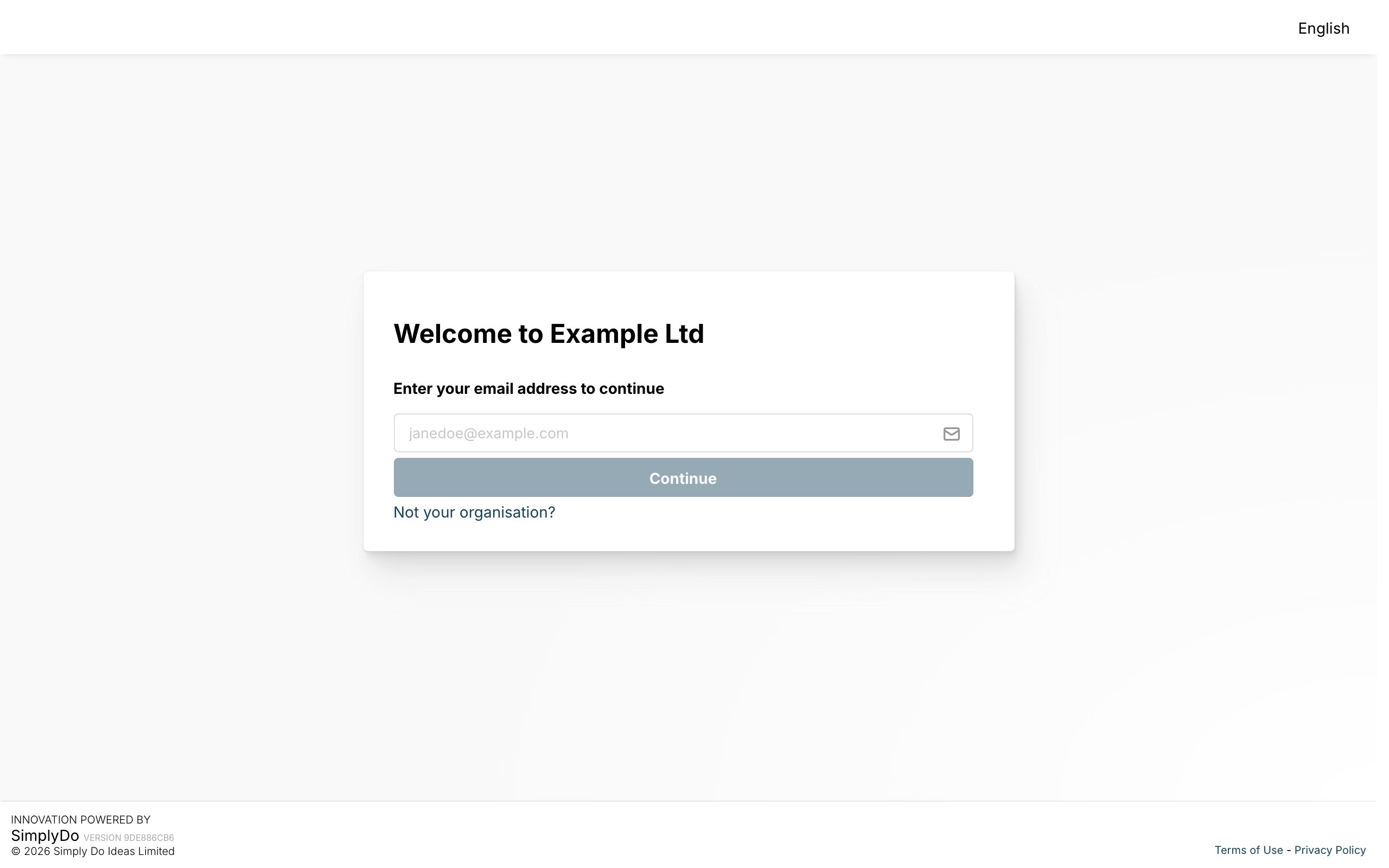 GuideJoin your organisationFind your organisation, create your account and sign in.
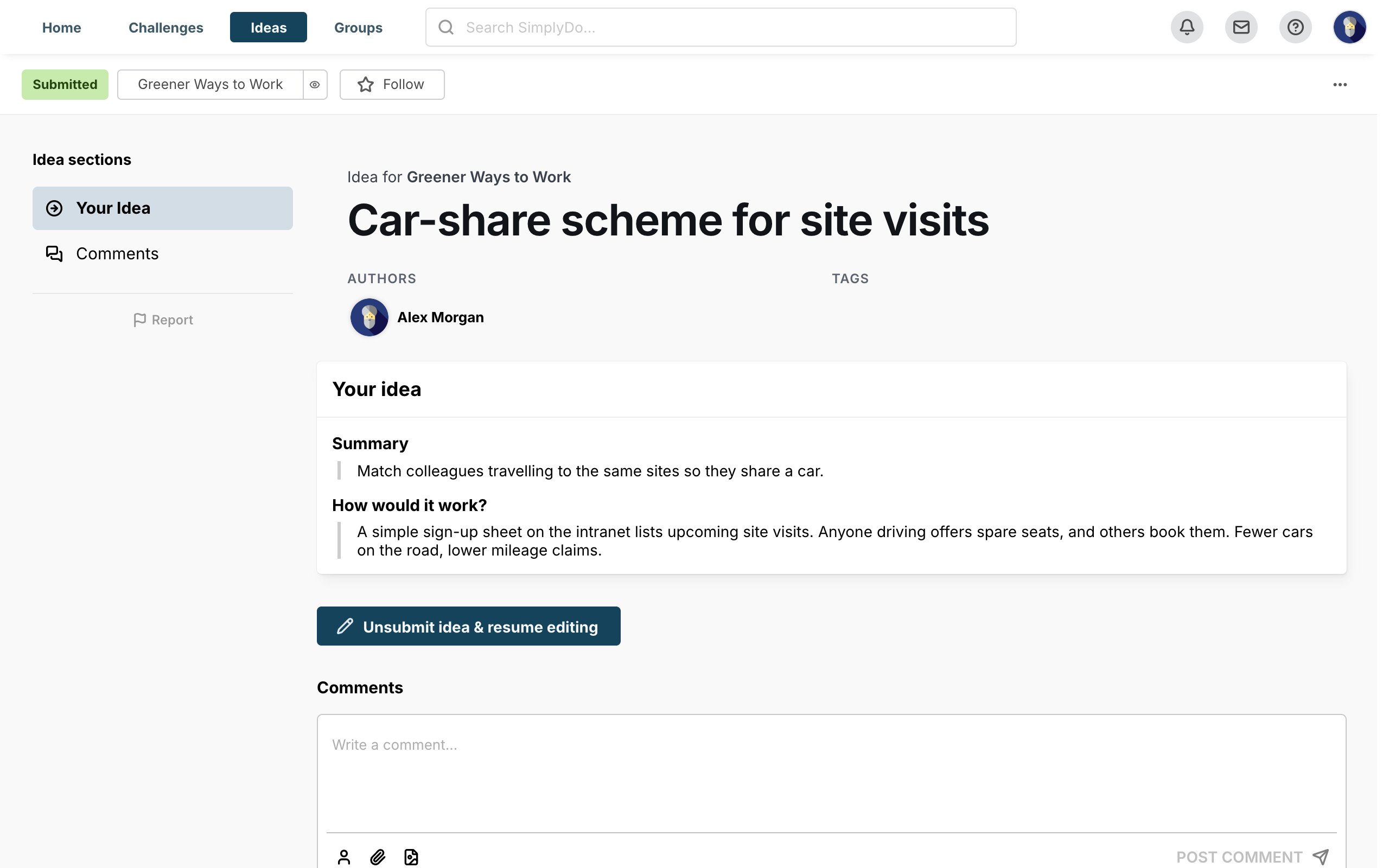 GuideSubmit an ideaFind a challenge, write your idea and submit it.
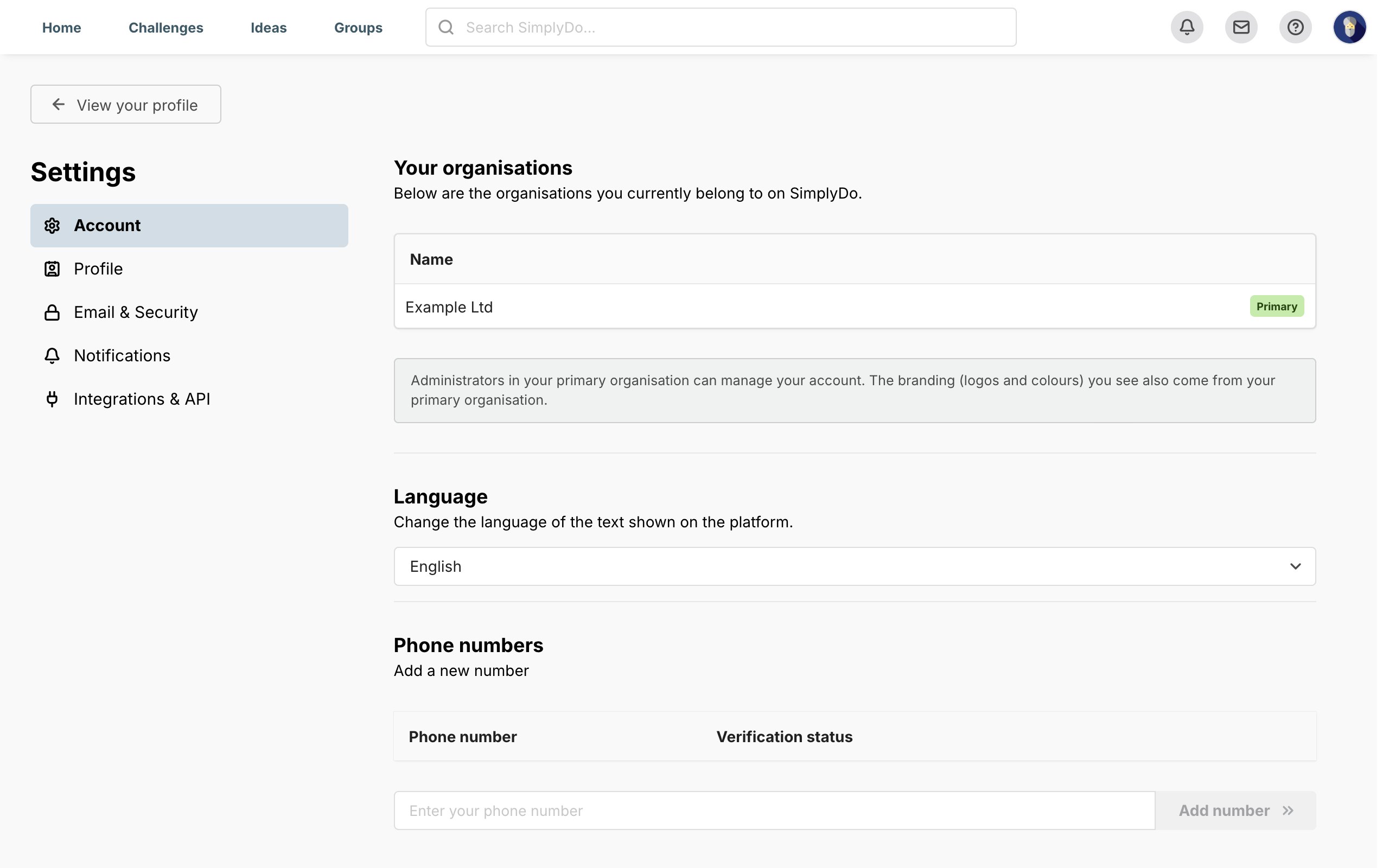 GuideManage your accountFind your account settings, raise a data protection complaint or delete your account.
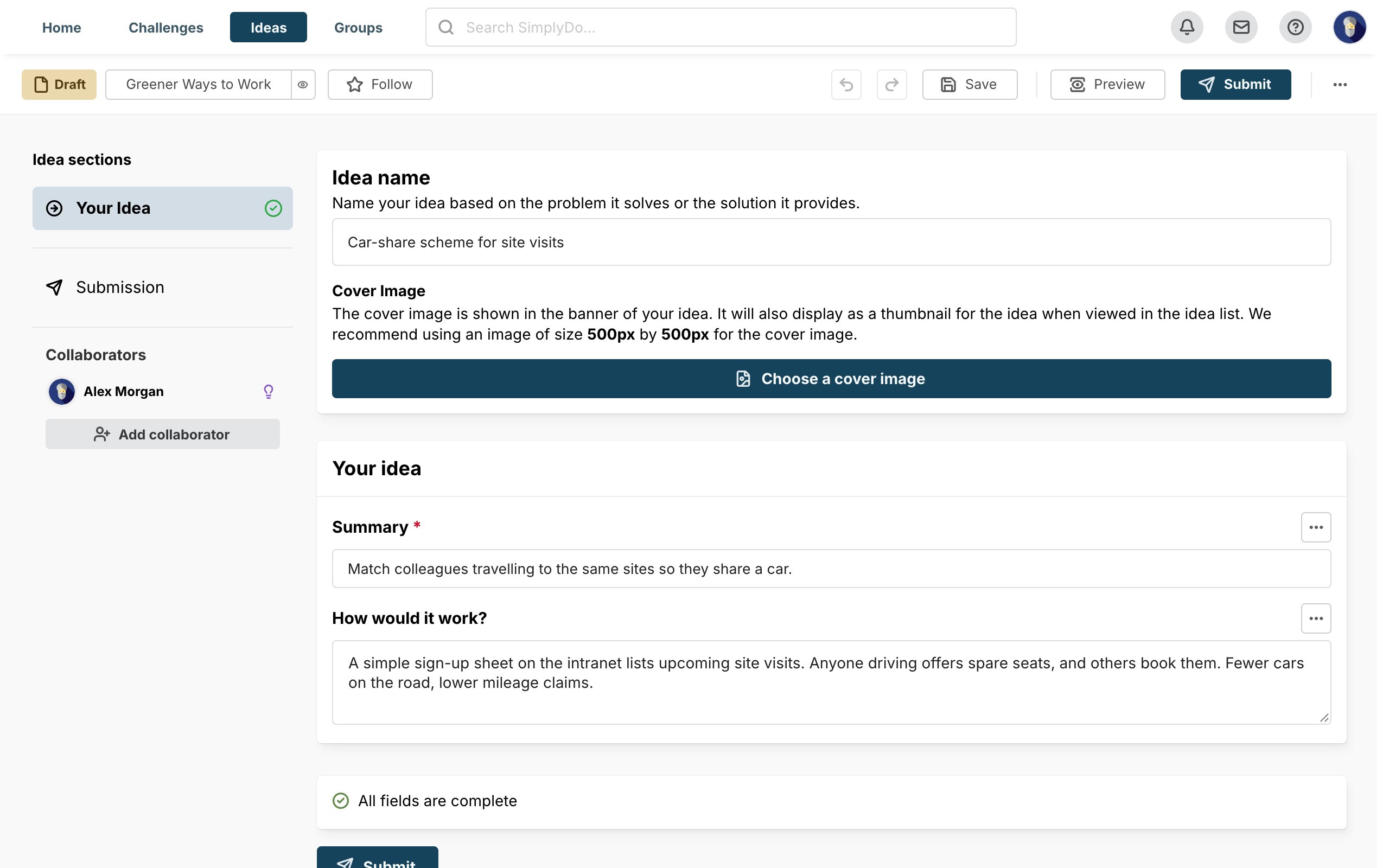 StepDelete an ideaRemove an idea you no longer need.
Set up a challenge
Before it opens: create the challenge, then decide what people are asked and how ideas move through it.
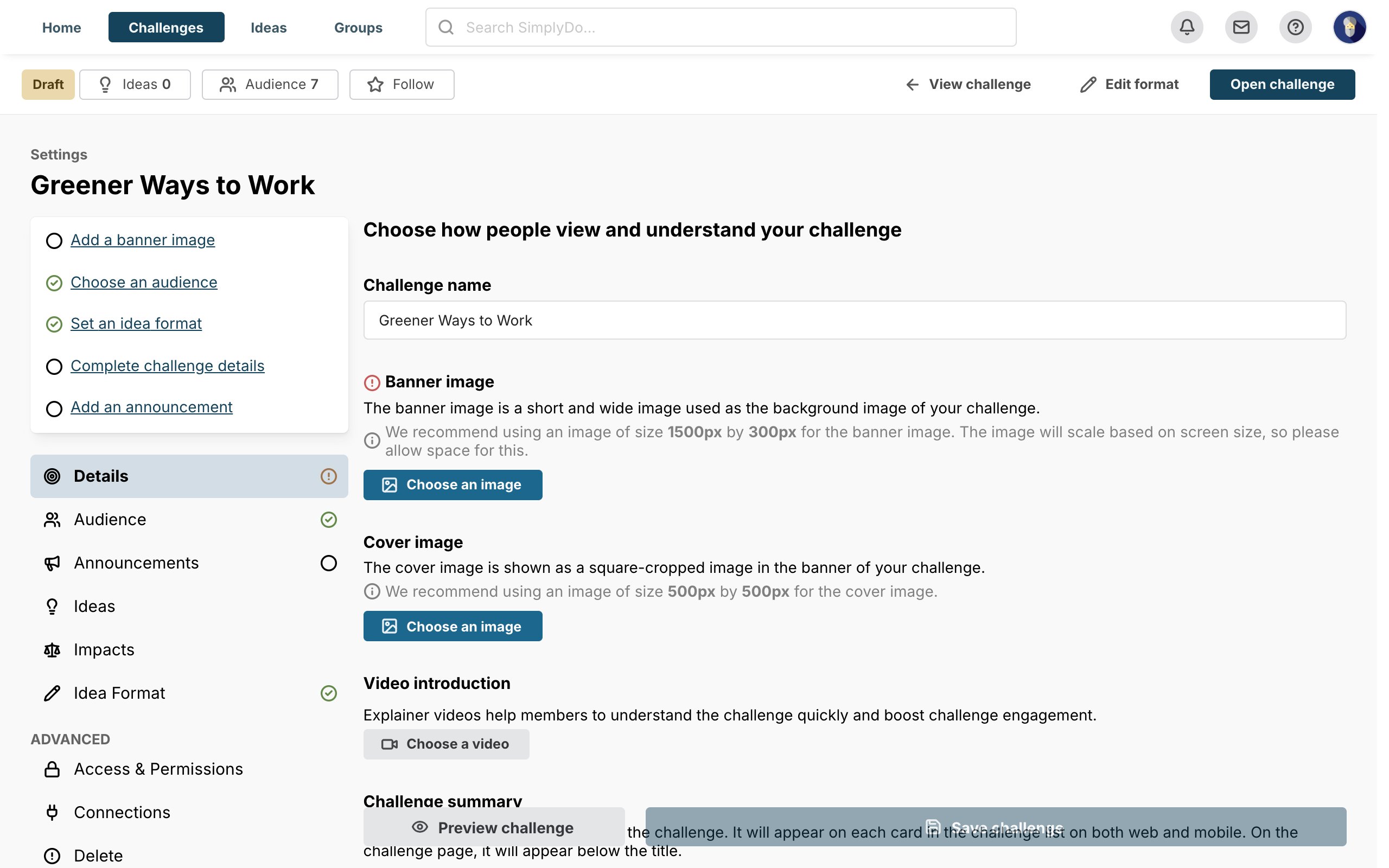 GuidePublish a new challengeSet up a challenge from scratch and open it to your organisation.
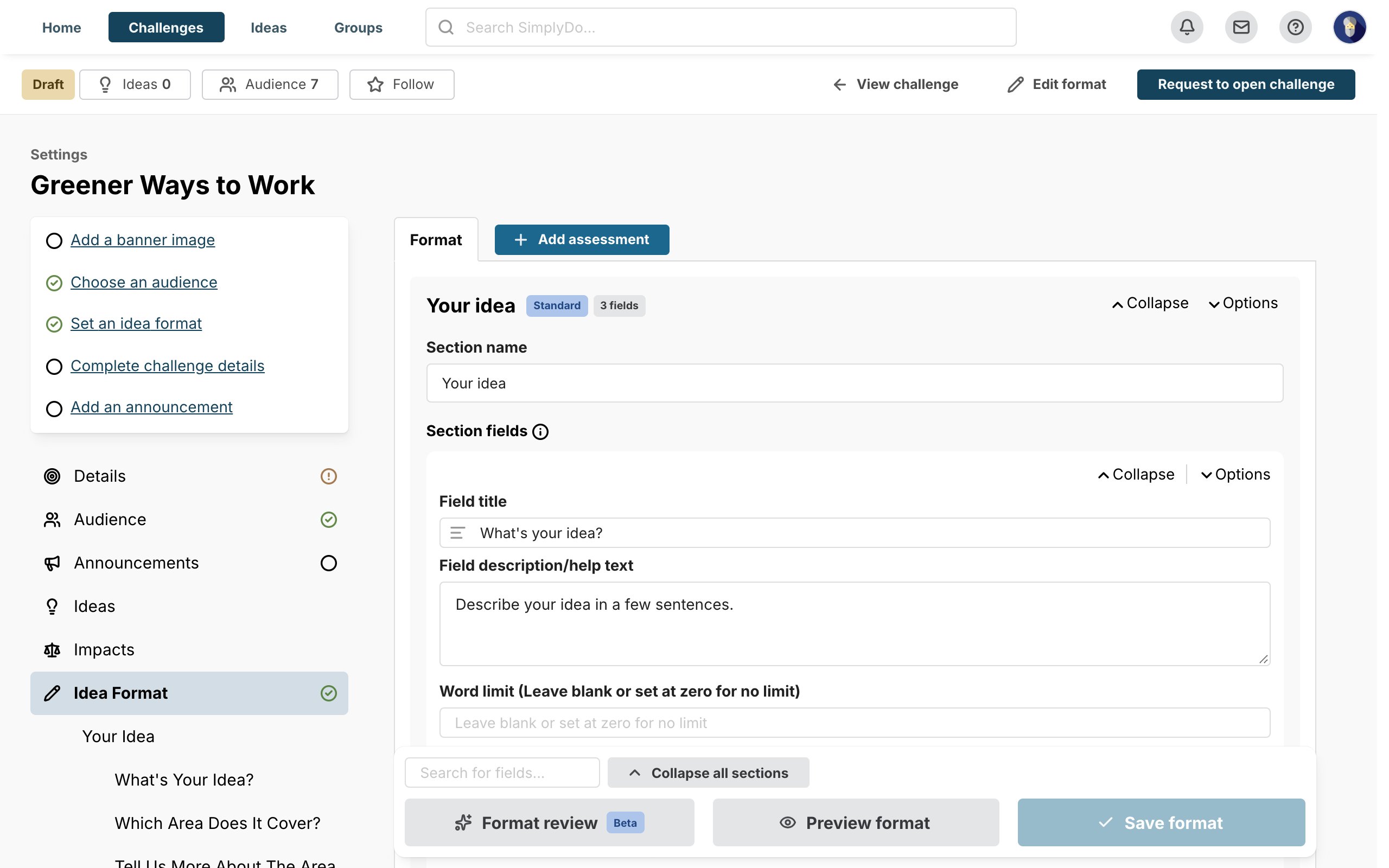 GuideDesign an idea formatBuild the form people fill in when they submit an idea: its sections, questions and rules.
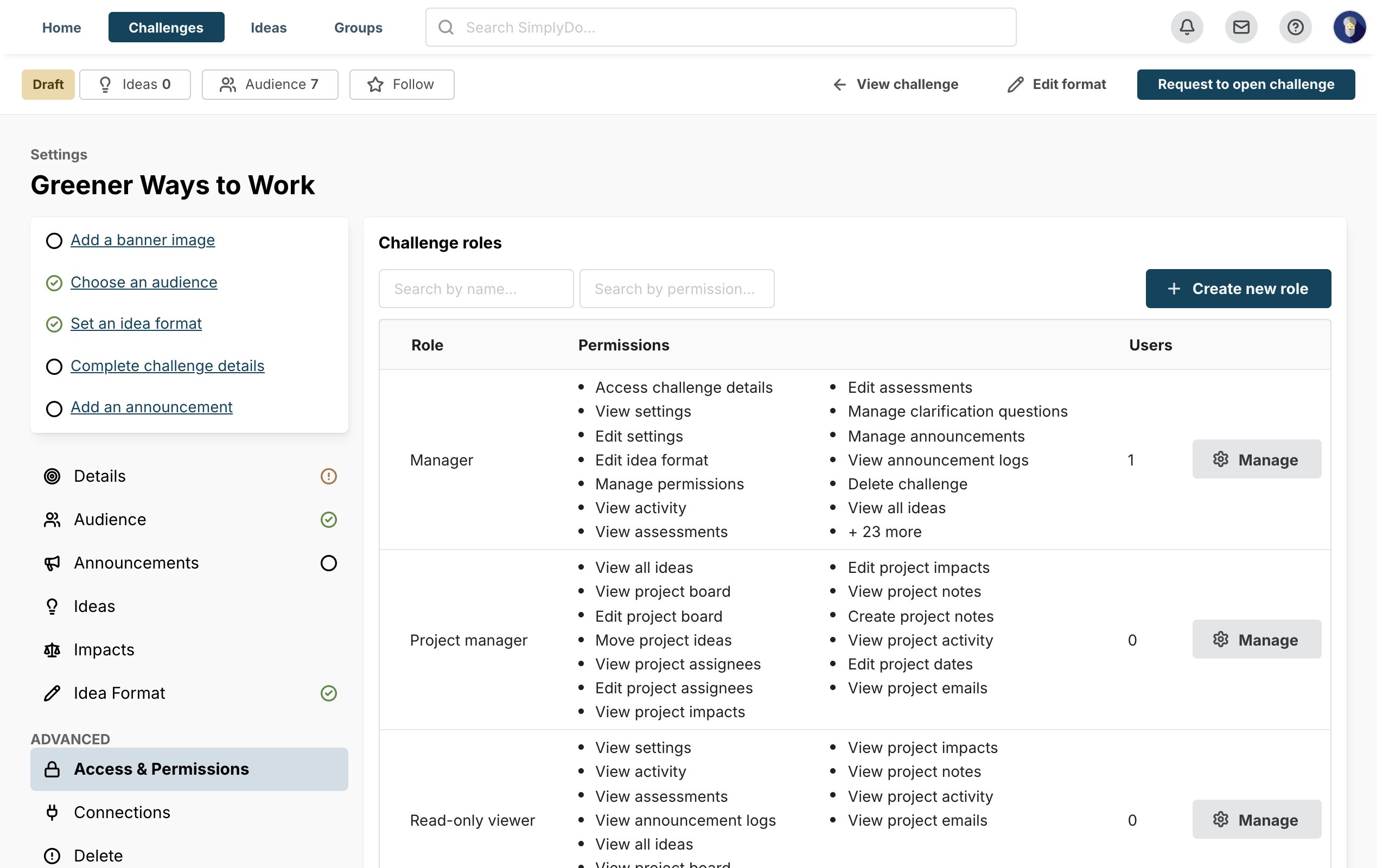 GuideConfiguring a challengeDecide who sees ideas, how people interact with them and who helps you run the challenge.
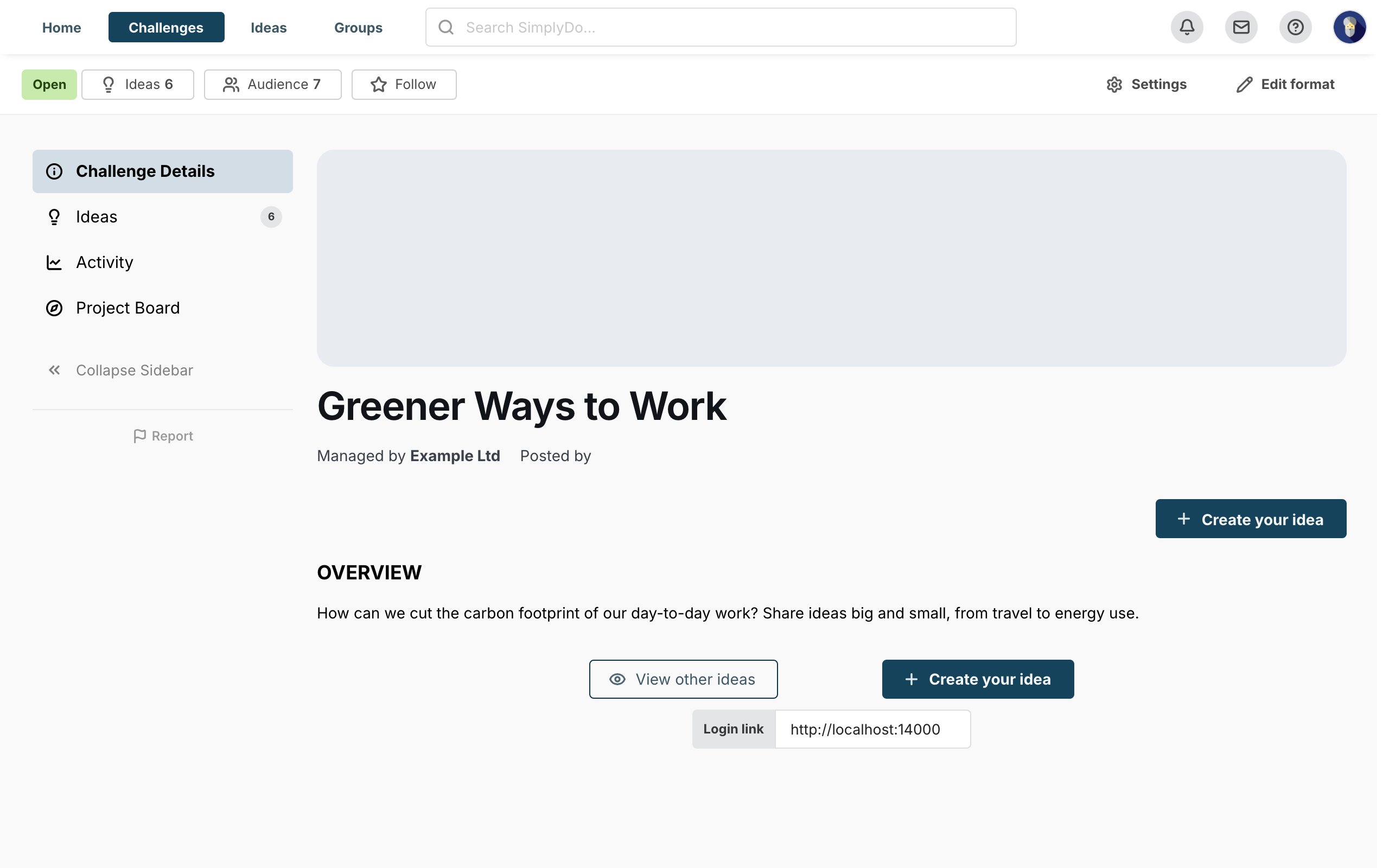 GuideSet up the project boardBuild the lanes your challenge's ideas move through, from first look to done.
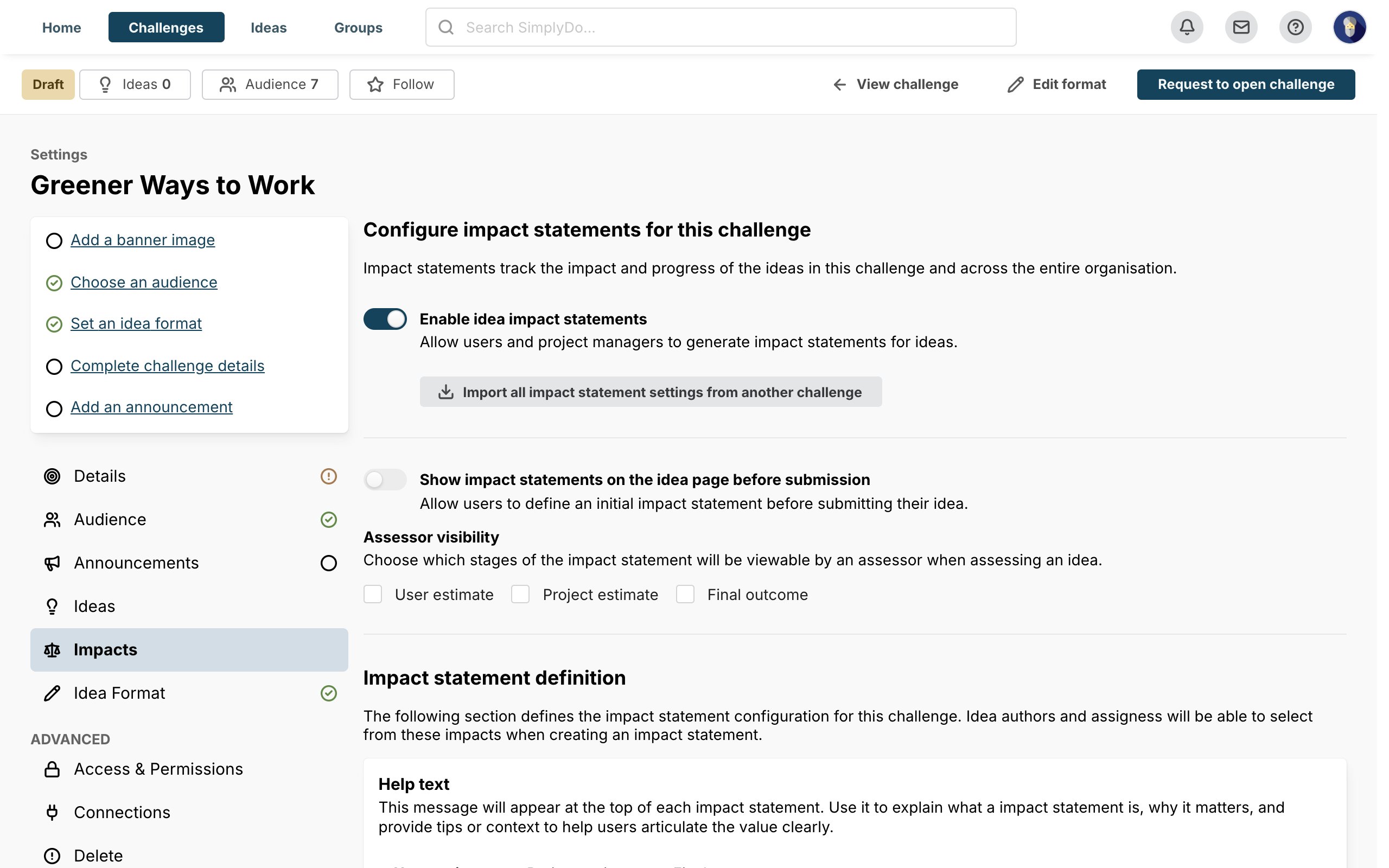 GuideMeasure impactRecord the time, money and other benefits your challenge's ideas deliver.
 GuideSet up the challenge plannerPlan your challenge's events, announcements and key dates.
Run a challenge
While it's open and after it closes: bring people in, then review, assess and progress the ideas.
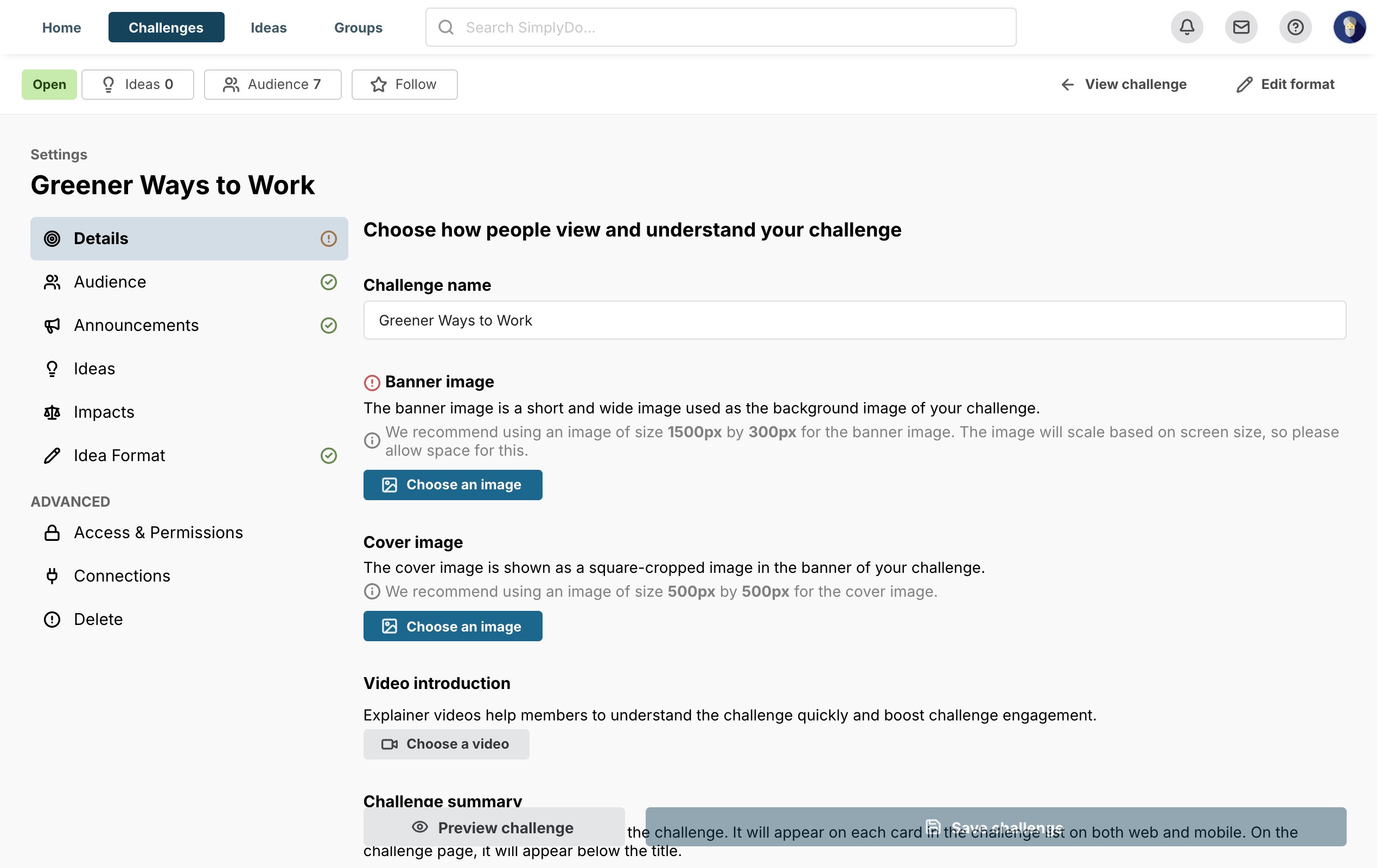 GuideSend announcementsKeep people informed with scheduled and automatic messages about your challenge.
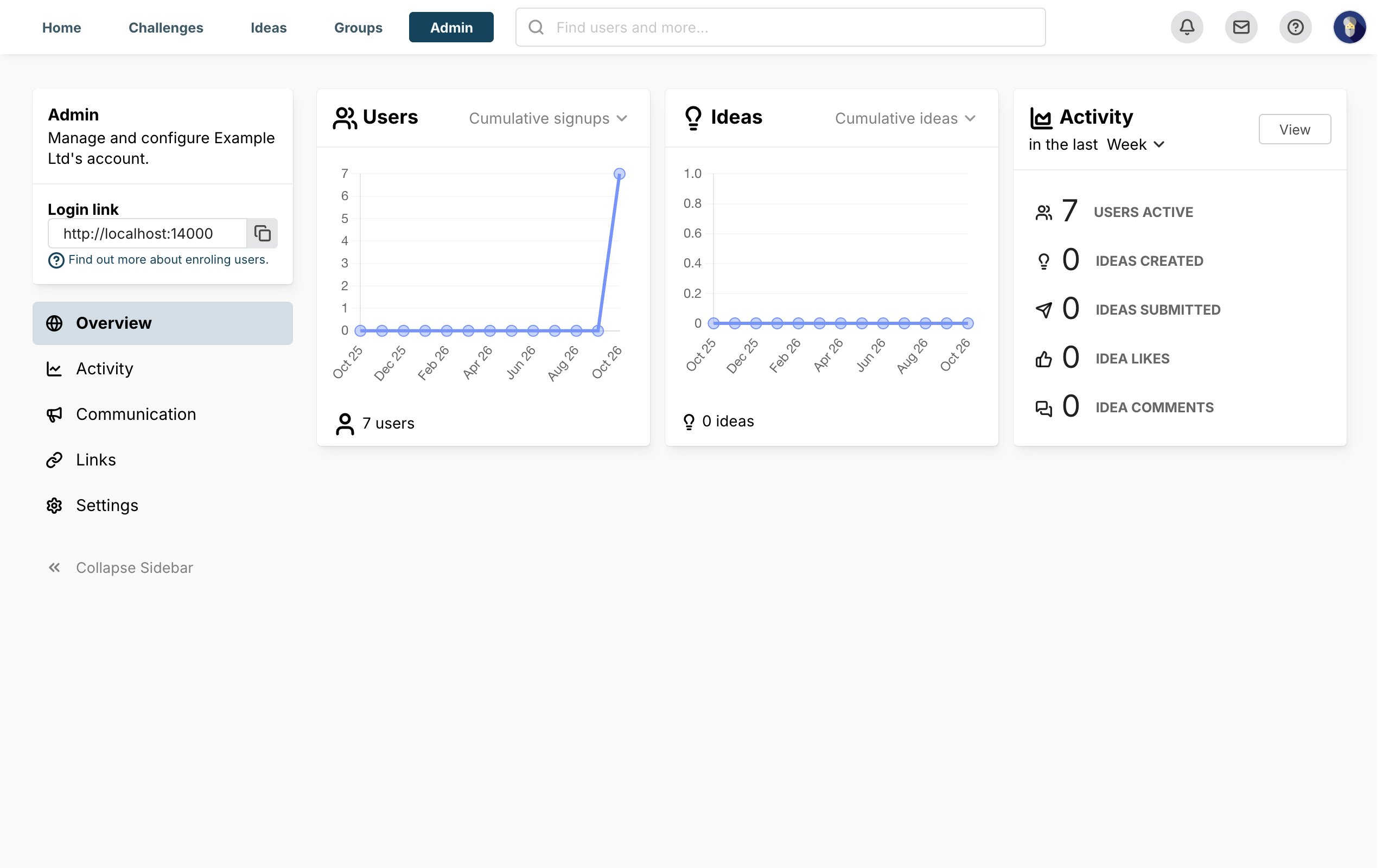 GuideShare your challenge with short linksCreate short links and QR codes for your challenge, and see how well they work.
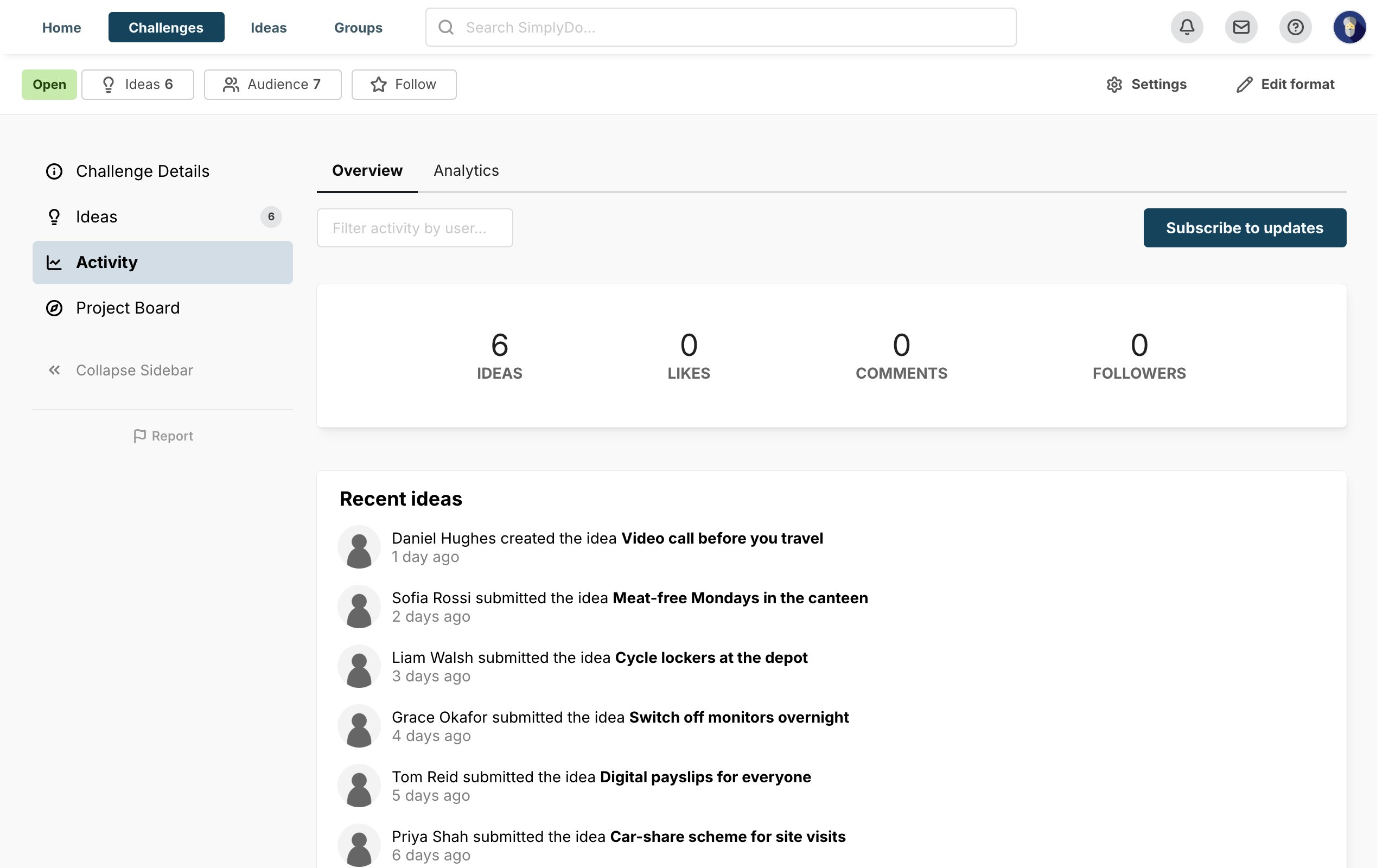 GuideReview and progress ideasFollow engagement, review the ideas that come in, and move the best ones forward.
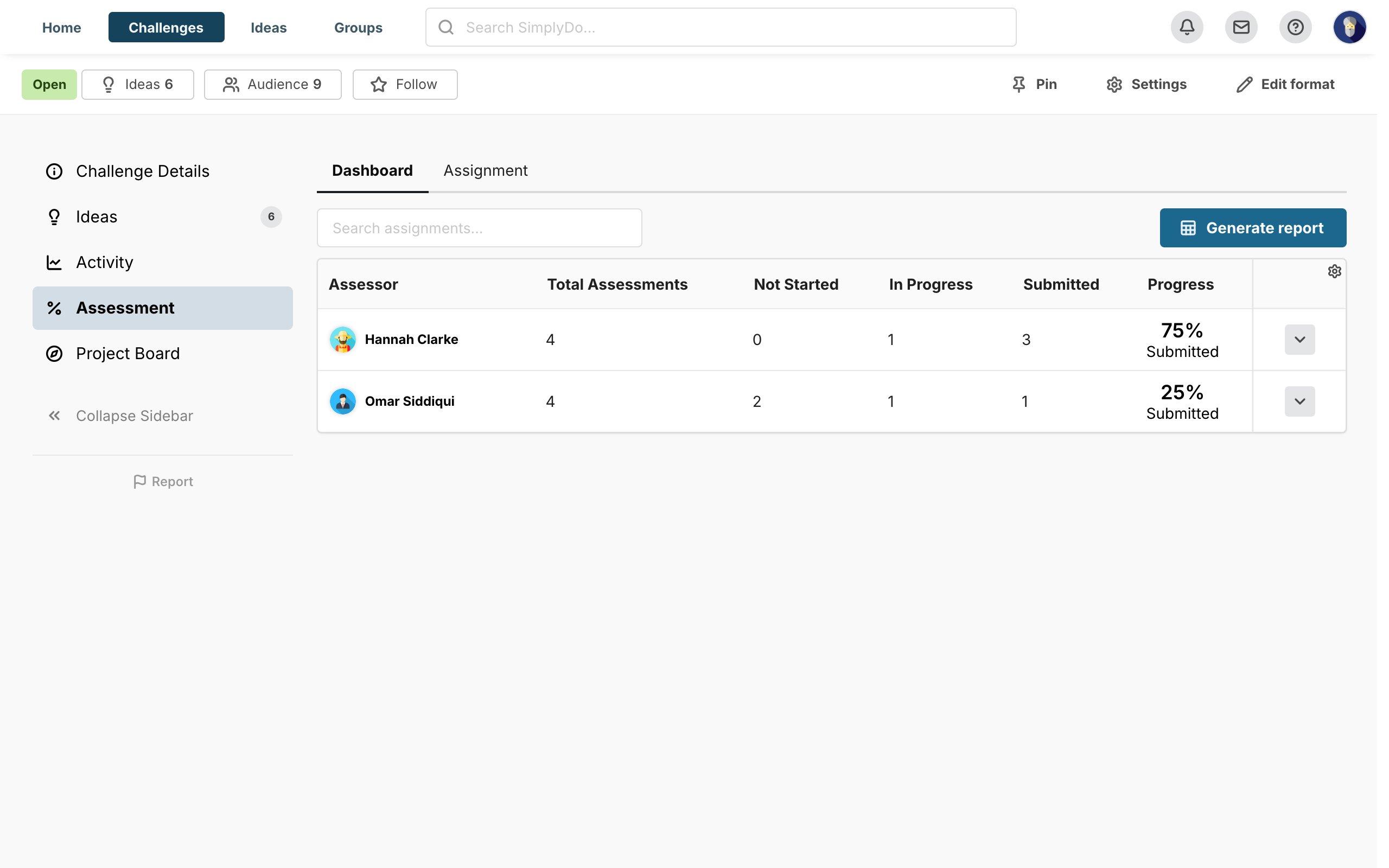 GuideRun assessmentsSet up scored assessment, assign assessors and follow their progress.GuideRun an open callFrom setting up the call to awarding the successful applications.
Administering your organisation
In the order most organisations roll out: make SimplyDo yours, set up email and sign-in, then bring people in.
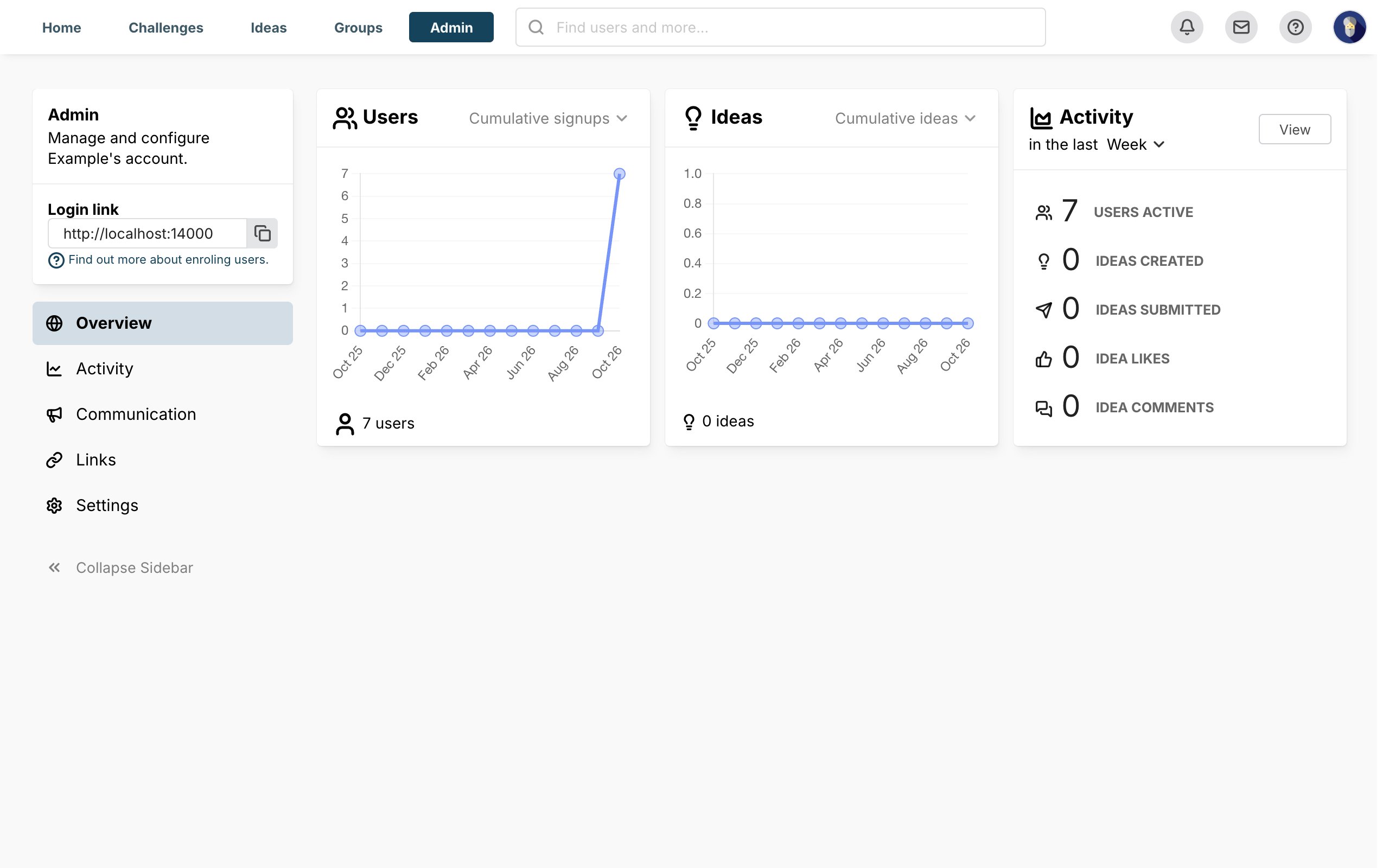 GuideBrand your organisationMake SimplyDo look and sound like your organisation, from logo and colours to the words it uses.
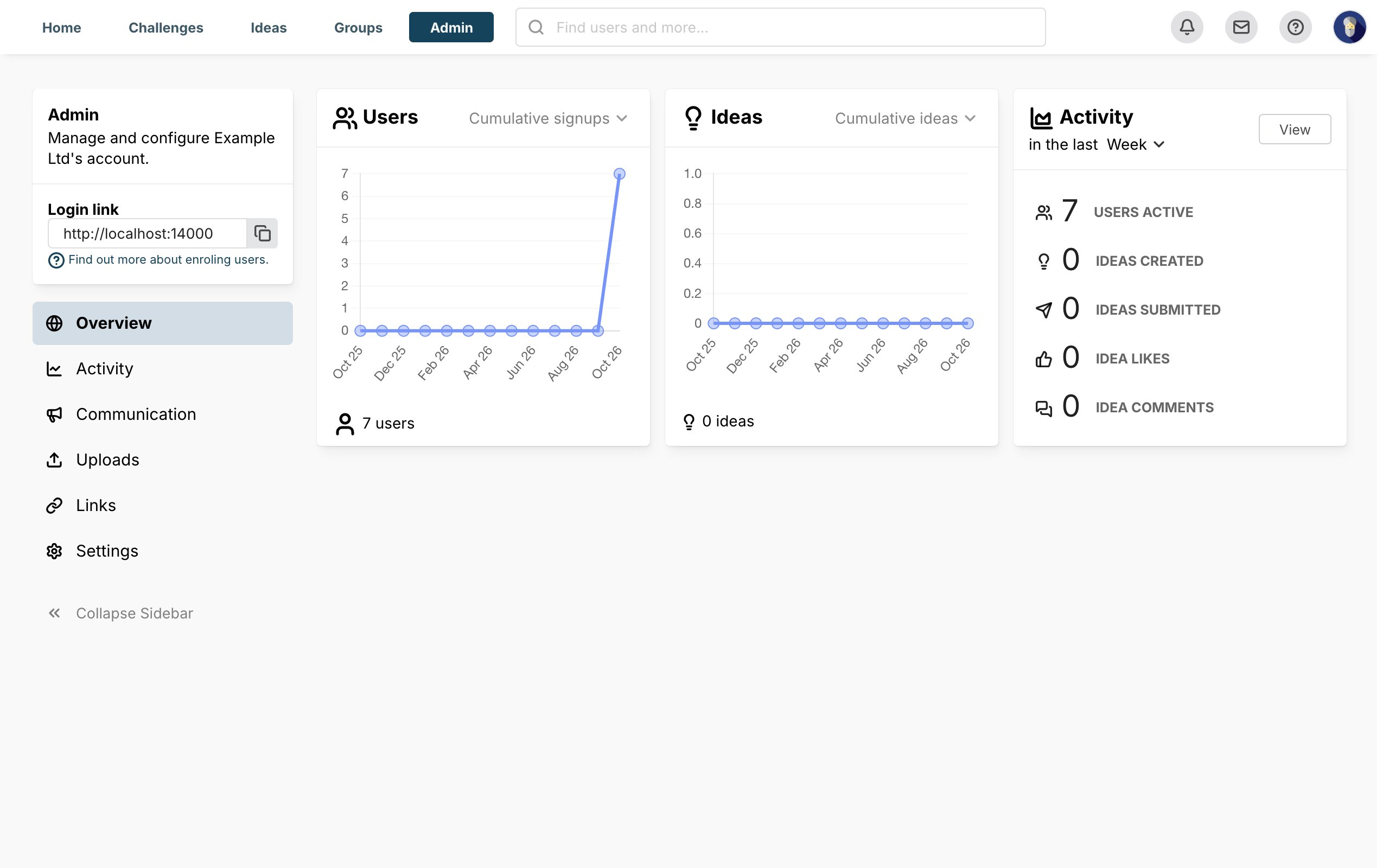 GuideConfigure organisation emailChoose how SimplyDo sends your organisation's emails, where replies go and how they look.
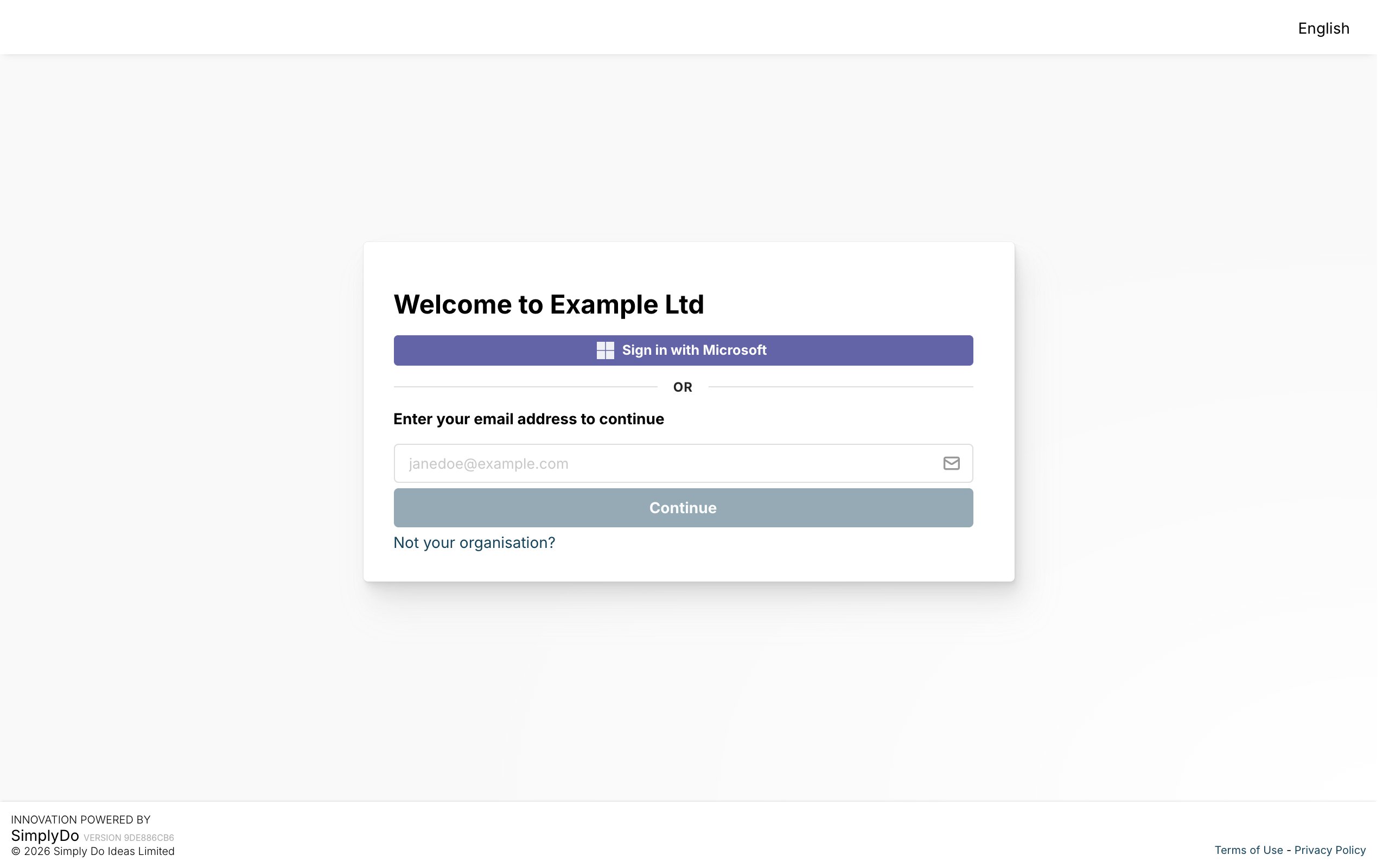 GuideSet up single sign-onLet people sign in with their work account through Microsoft or SAML.
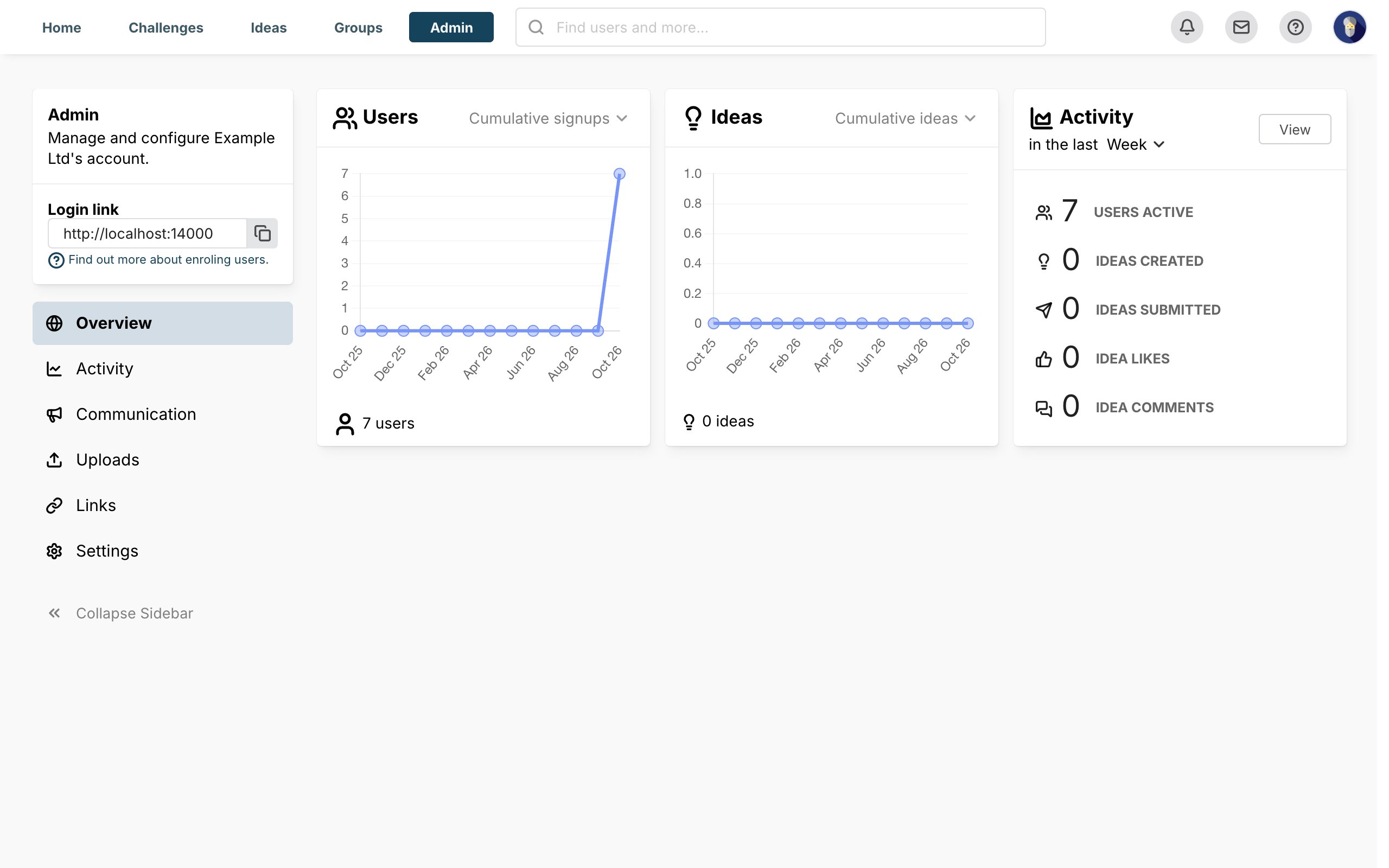
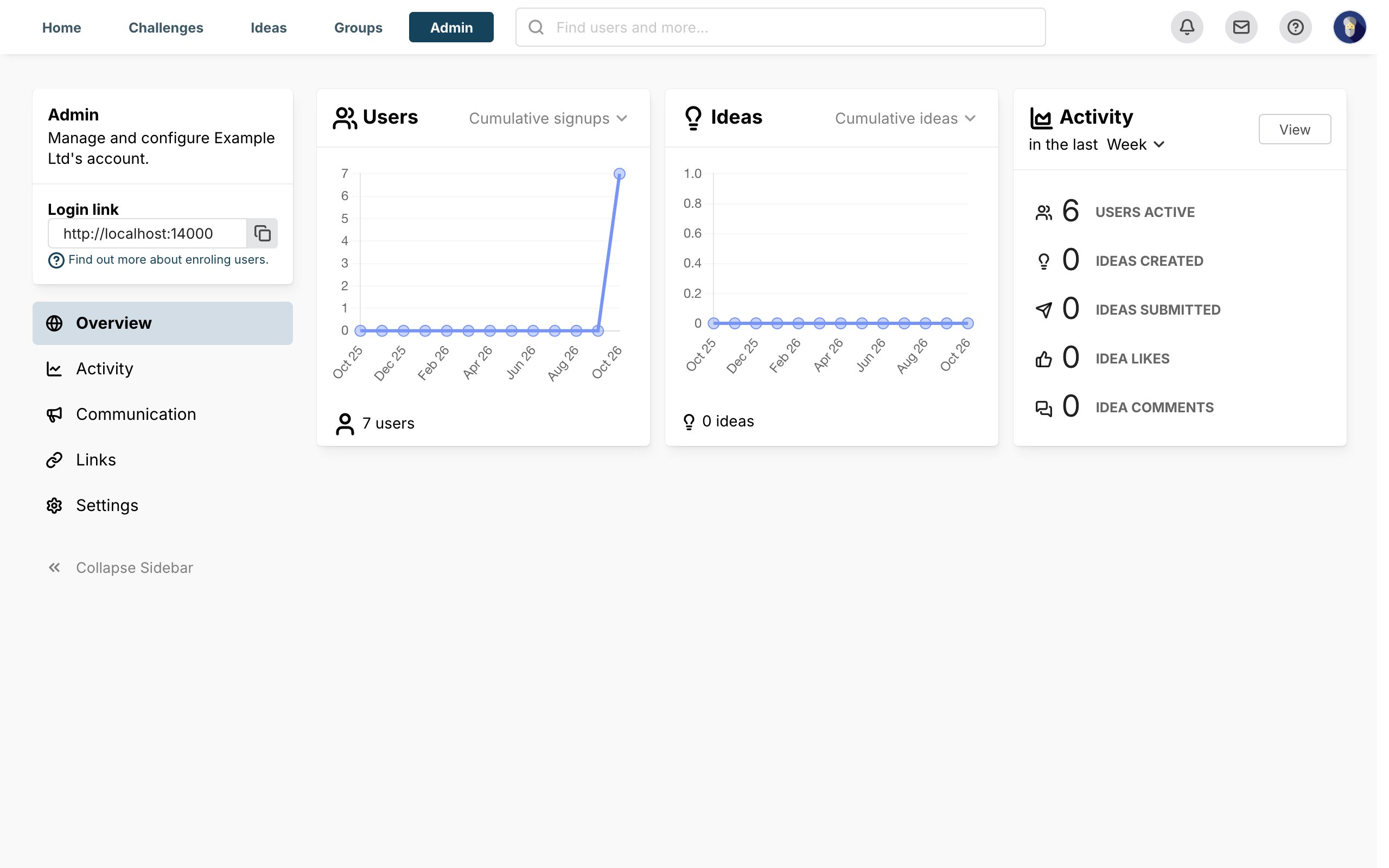 GuideAdd people to your organisationInvite, create, import and remove the people in your organisation.
Integrations
Use SimplyDo with the tools your organisation already has.
About SimplyDo
ArticleAccessibility statementHow SimplyDo works to be usable by everyone, and how to tell us about problems.ArticleAI statementHow SimplyDo develops and runs AI features responsibly, and the choices you have.ArticleData protection complaintsHow to raise a data protection complaint with SimplyDo.ArticleSecurity & complianceCertifications, data security, data protection and resilience.